
Photo to video · AI video effect
Old Photo to Video: Gentle Motion and a Smile
Animate an old photo with subtle movement, a natural blink and a gentle smile, while a little warmth and color return to the scene.
Try this effect10 credits · first video free · no account needed
- Input
- One old photo of one adult
- Output
- Vertical 9:16 MP4, 720p, about 6.5 seconds
- Sound
- Original instrumental music, no speech
- Ready in
- Usually under a minute
- Price
- 10 credits; your first video is free
- Privacy
- Private unless you choose to share it
About this effect
What happens
in your video.
Turn one old photo into a few seconds of movement. The scene begins as a still, faded photograph, then gains a little natural color as the person breathes, blinks and gives a gentle smile. The original setting and a soft vintage look remain part of the scene.
Use a photograph showing one adult, with a clear, visible face. You must have the right to use the photo and animate the person shown, for example an old family portrait you are entitled to use. The sample features an entirely AI generated fictional older adult woman.
This effect can bring old photos to life as an imaginative AI animation. It does not repair damaged prints, restore high resolution detail or promise complete colorization. The movement, colors and expression are imagined by AI and do not establish how the real person looked or moved.
Each video uses 10 credits and requests six seconds at 720p in vertical 9:16, with soft original instrumental music and no speech. Download the MP4 and review the face and movement before sharing; likeness, color, timing and final duration can vary.
Works best
- One adult, face clearly visible
- A straight, flat scan or photo of the print
- A photo you have the right to use
Avoid
- Sunglasses, masks or hands over the face
- Group photos or tiny faces
- Photos of children
Your turn
Make the scene yours.
Upload an old photo showing one adult with a clear, visible face. You must have the right to use the photo and permission where needed. The result is an imagined AI interpretation.
Your creation stays off the public wall unless you choose to share it.
AI generated sample. Your result will appear here after generation.
Good to know
A little clarity
before you create.
How do I turn an old photo to video?
Upload a clear photograph showing one adult and generate this effect. It adds subtle motion, blinking, a gentle smile and a touch of natural color while keeping the original setting as its reference.
Which old photos can I animate?
Choose a photo of one adult with a clear, unobstructed face. Use only a photo and likeness you have the right to animate, such as a family portrait you are entitled to use. Group photos and photos of children are not supported.
Does this repair damage or fully colorize an old photo?
No. This is a short animation with a little natural color. It does not promise damage repair, high resolution restoration or complete colorization; use a clear source photograph for the best starting point.
Will the animation show how the real person looked and moved?
No. The result is an imaginative AI interpretation, not a historical record or a reconstruction of the real person. Facial details, colors, expressions and movement can differ from the source. The sample uses a fictional AI generated adult.
How many credits does an old photo video use?
Each video uses 10 credits. New visitors receive 10 welcome credits, enough for one video without signing in. The welcome allowance is shared across all effects, not renewed for each template.
What format and sound does the old photo video include?
Download a vertical 9:16 MP4 at 720p. The preset requests six seconds with soft original piano and strings instrumental music, without speech or singing. Duration, audio and motion can vary between results.
Keep exploring
More from Photo to video.
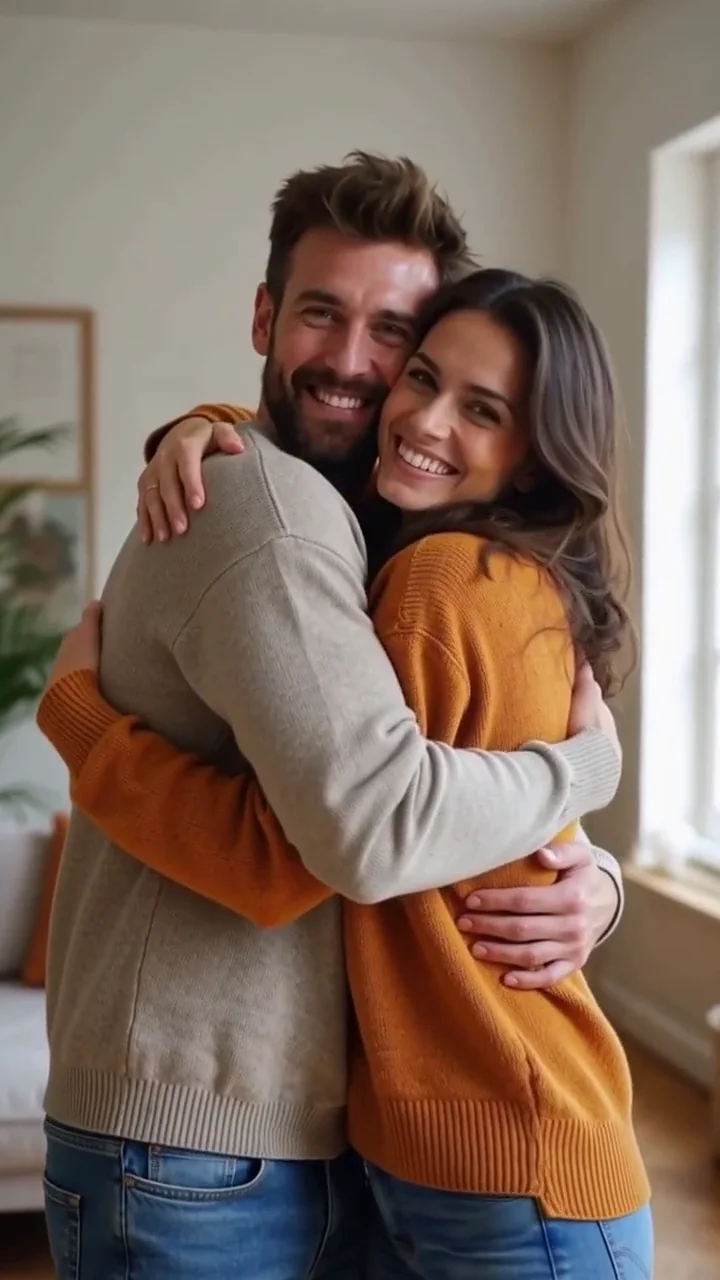 AI generated sample Watch the effect
AI hug
Start with one photo of two adults side by side and see them turn toward each other for a warm, friendly hug.
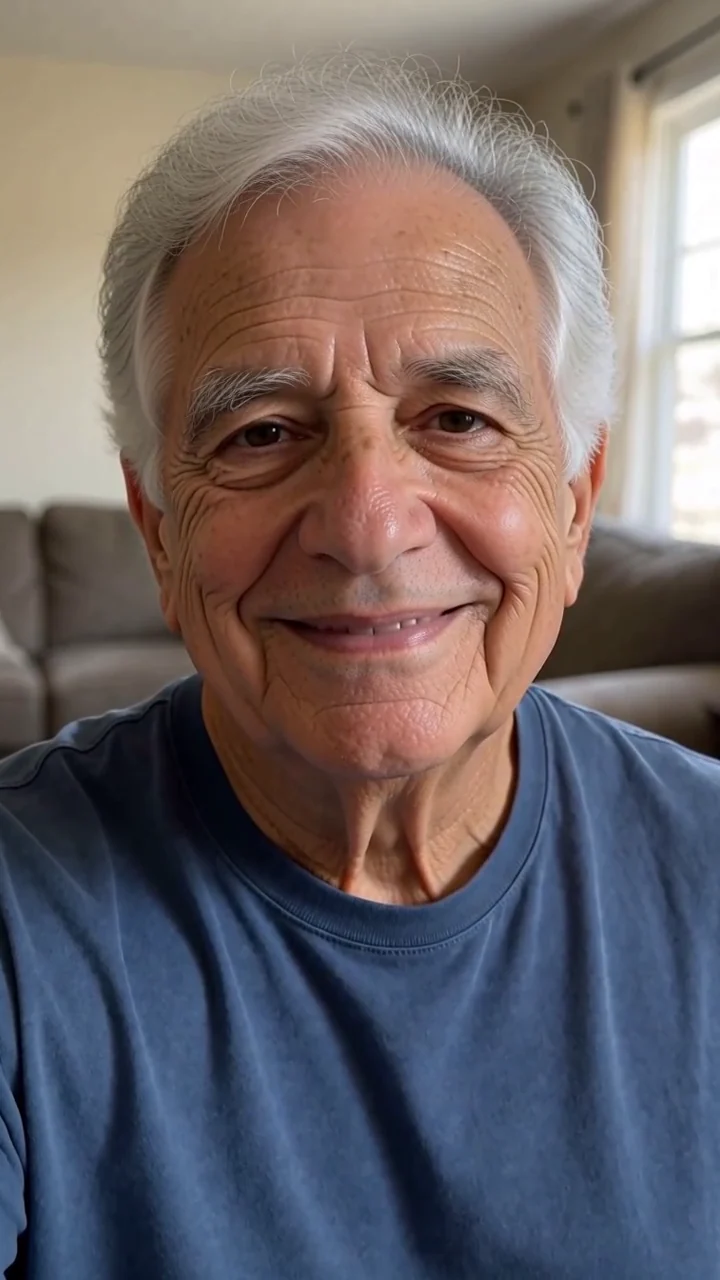 AI generated sample Watch the effect
See yourself older
Watch a portrait gradually become an older version, with silver hair, deeper smile lines and a warm smile at the end.
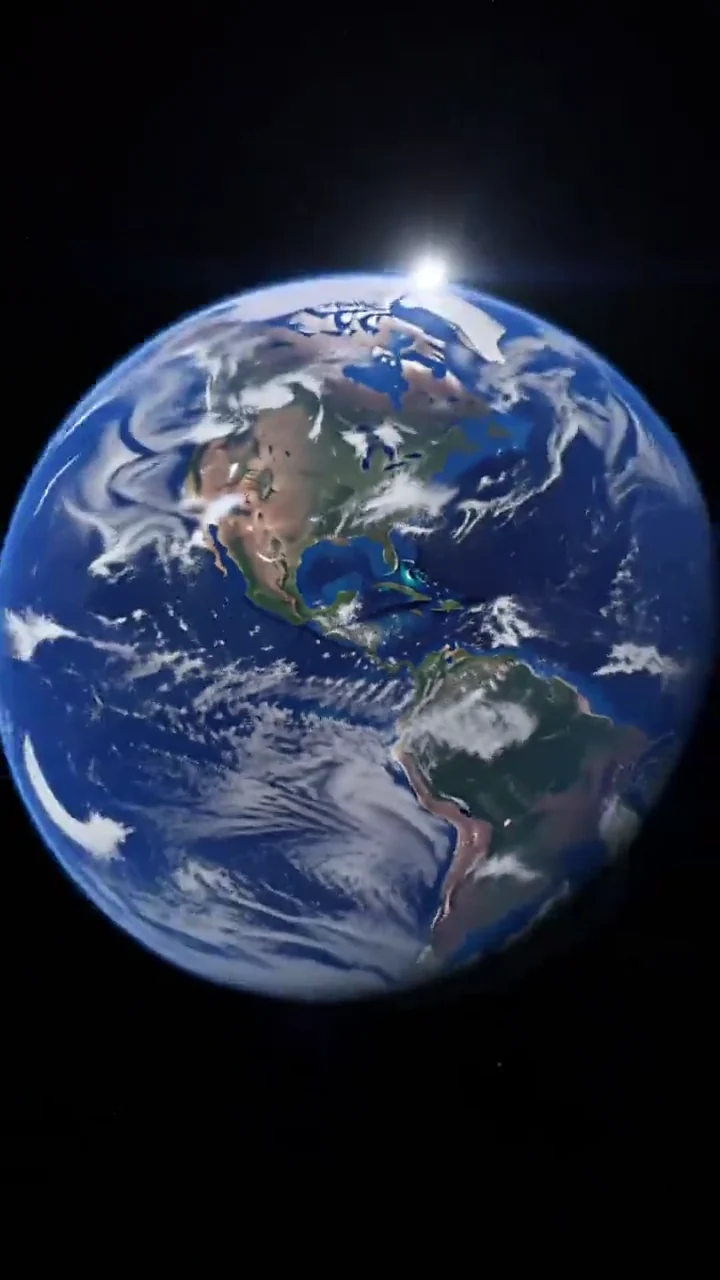 AI generated sample Watch the effect
Earth zoom out
Start close to the camera, then watch the view pull up through rooftops, streets and clouds until the whole Earth appears in space.
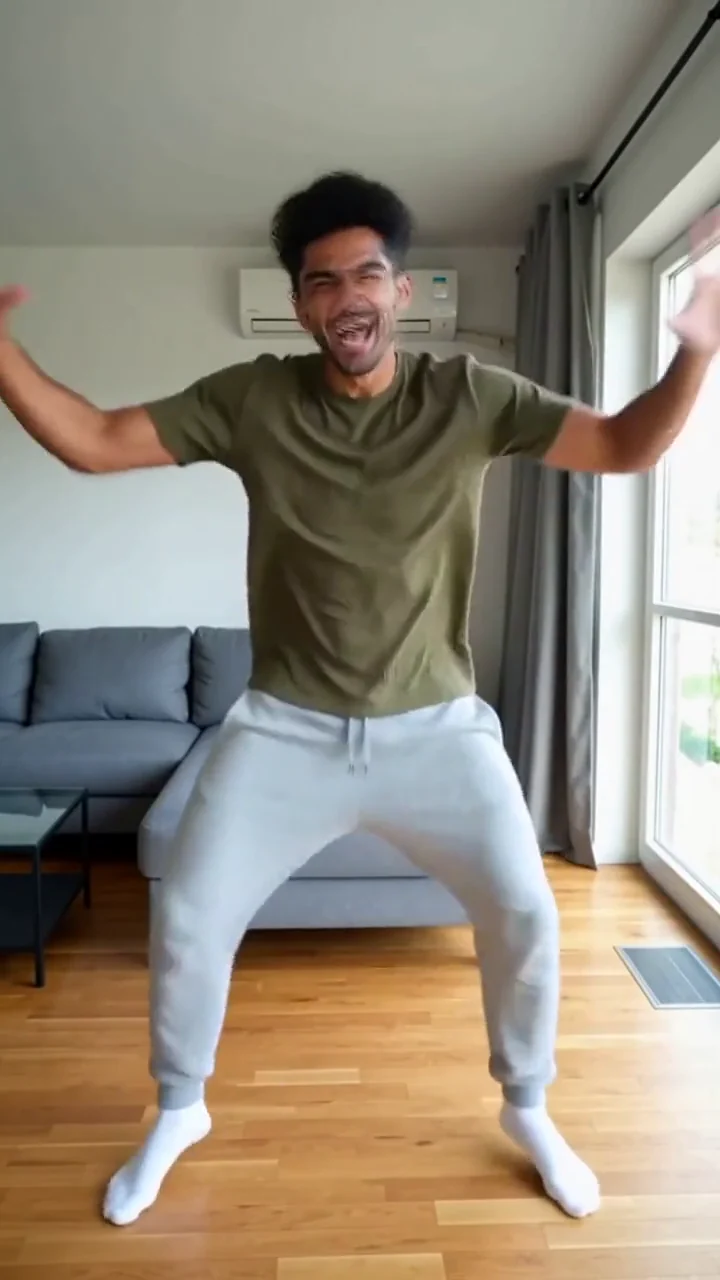 AI generated sample Watch the effect
Make your photo dance
The camera pulls back from your portrait to an AI imagined full body, ready for bouncy steps and wide arm swings in a bright living room.
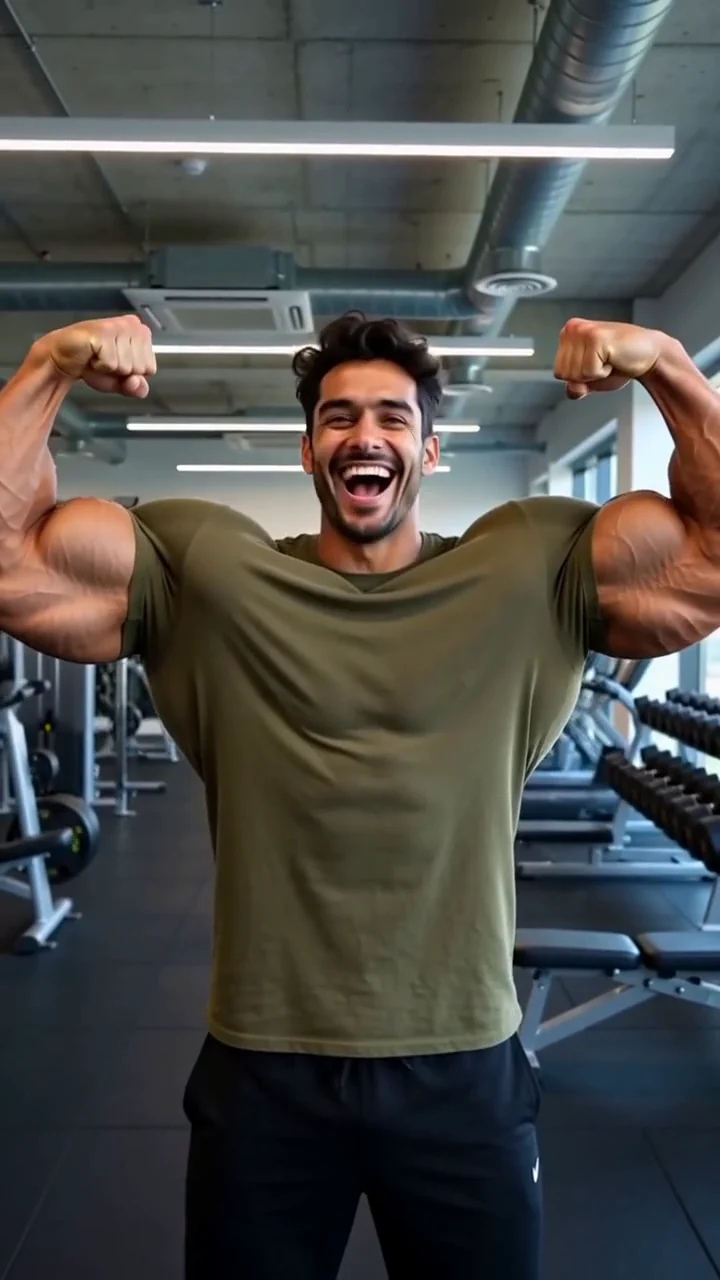 AI generated sample Watch the effect
Muscle transformation
Flex into an over the top gym transformation, then show off both biceps with a laugh.
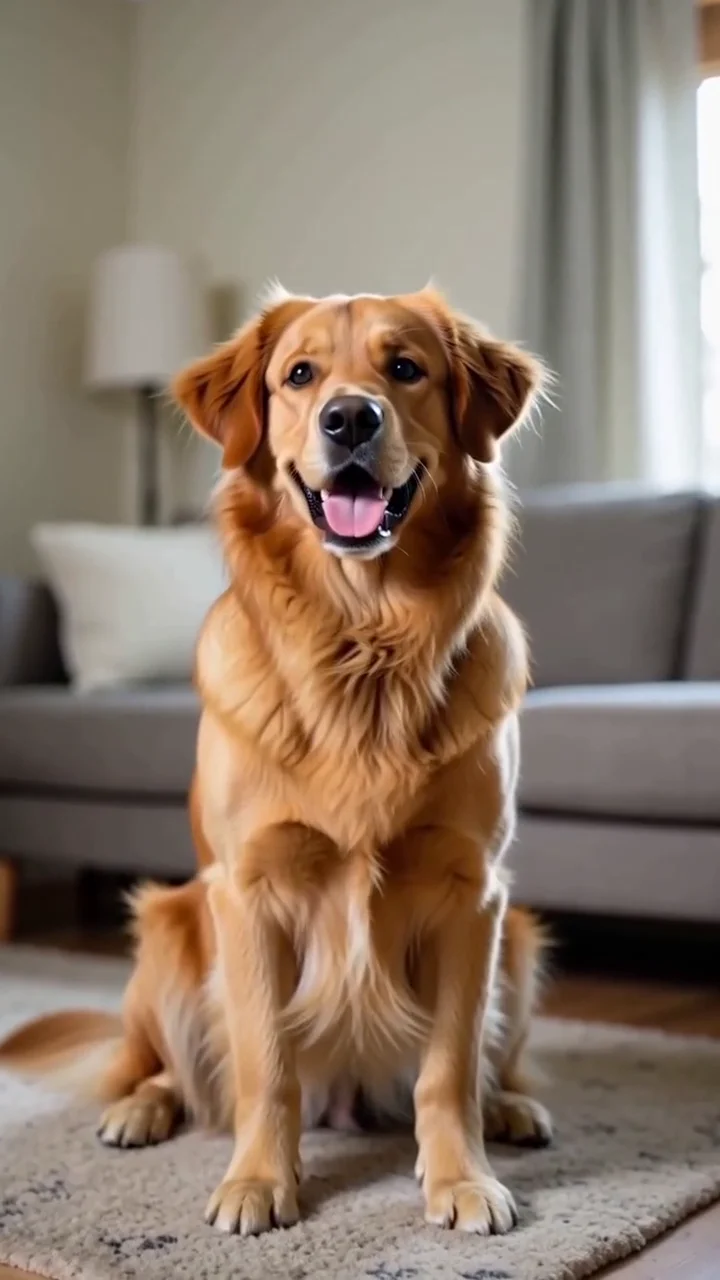 AI generated sample Watch the effect
Pet comes alive
Bring a pet portrait to life with a curious head tilt and a playful expression.