
Photo to video · AI video effect
See Yourself Older in an AI Aging Video
Watch a portrait gradually become an older version, with silver hair, deeper smile lines and a warm smile at the end.
Try this effect10 credits · first video free · no account needed
- Input
- One clear photo of one adult
- Output
- Vertical 9:16 MP4, 720p, about 6.5 seconds
- Sound
- Original instrumental music, no speech
- Ready in
- Usually under a minute
- Price
- 10 credits; your first video is free
- Privacy
- Private unless you choose to share it
About this effect
What happens
in your video.
This AI aging video keeps the camera close as an adult portrait gradually changes. Hair turns salt and pepper and then silver white, while lines deepen around the eyes and mouth. The same room and clothing remain throughout the short time lapse.
The final elderly version gives a warm smile and a slow blink. Gentle original piano and strings accompany the change. The scene is a creative interpretation of an older appearance, not a prediction of how you will actually age.
Upload a clear photo in good light of one consenting adult. The example features an AI generated fictional adult man. Each video costs 10 credits and requests six seconds at 720p in vertical 9:16. Facial features, aging details and final duration may vary, so review the clip before sharing.
Works best
- One adult, face clearly visible
- Soft, even light on the face
- Selfie or framing from the waist up
Avoid
- Sunglasses, masks or hands over the face
- Group photos or tiny faces
- Photos of children
Your turn
Make the scene yours.
A clear selfie or a photo from the waist up of one consenting adult works best.
Your creation stays off the public wall unless you choose to share it.
AI generated sample. Your result will appear here after generation.
Good to know
A little clarity
before you create.
How do I make an AI aging video from my photo?
Choose a clear photo of one consenting adult and generate this effect. The portrait gradually develops silver hair and facial lines, ending with an older appearance and a gentle smile.
Does this show what I will really look like when I am older?
No. The aging scene is an AI interpretation for creative use. It cannot predict your future appearance, health or individual aging process.
Can I pick an exact age?
No. This preset requests an elderly appearance around age 80, but it has no age slider and cannot guarantee a precise apparent age.
Will the outfit or background change?
The preset asks to keep the same room and clothing while the face and hair age. AI can still alter details, and exact likeness is not guaranteed.
How much does an aging video cost?
Each generation uses 10 credits. New visitors receive 10 welcome credits, enough for one video across the site without signing in.
What format and audio does the aging video use?
The download is a vertical 9:16 MP4 at 720p with gentle original instrumental music and no speech. The preset requests six seconds, though the final duration can vary slightly.
Keep exploring
More from Photo to video.
 AI generated sample Watch the effect
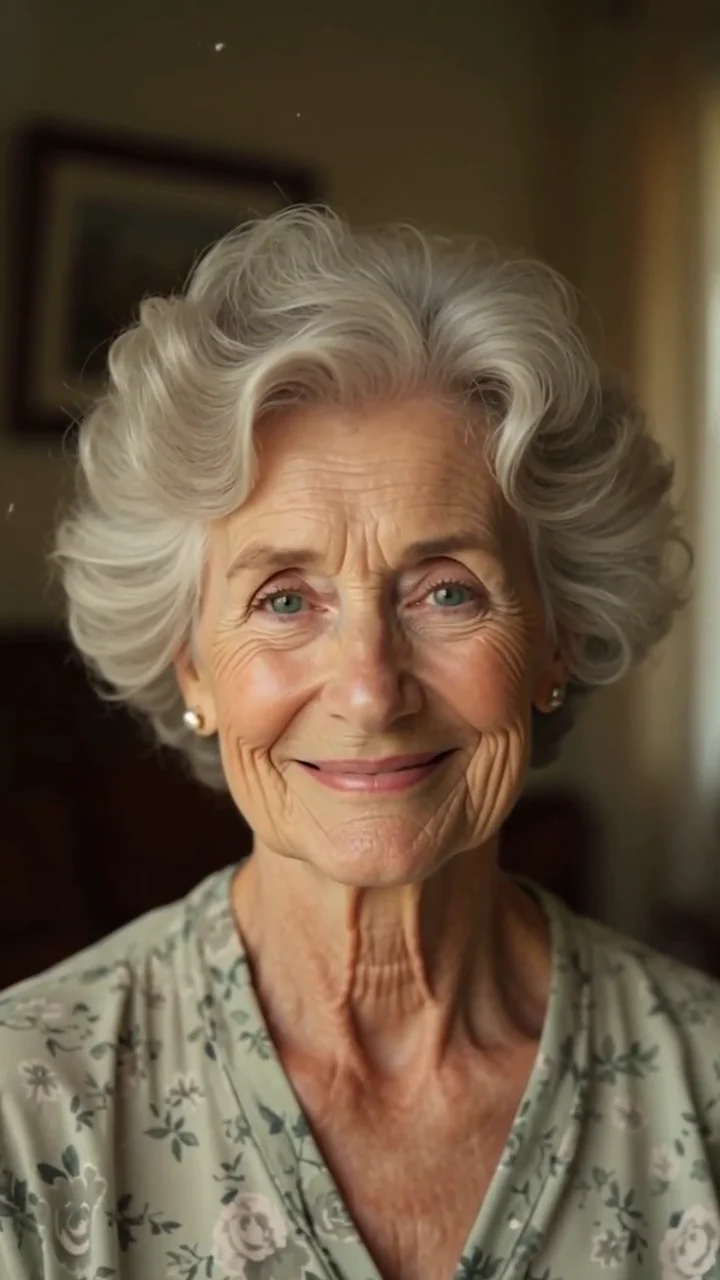
Old photo to video
Animate an old photo with subtle movement, a natural blink and a gentle smile, while a little warmth and color return to the scene.
 AI generated sample Watch the effect
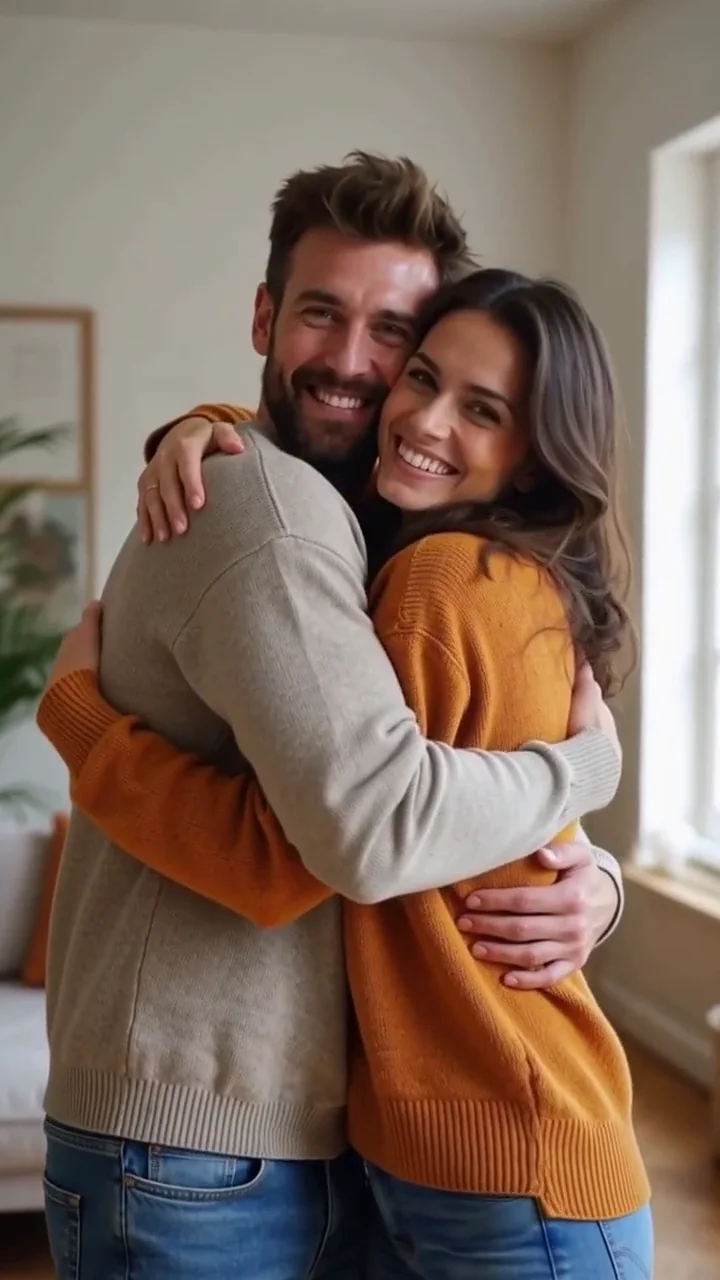
AI hug
Start with one photo of two adults side by side and see them turn toward each other for a warm, friendly hug.
 AI generated sample Watch the effect
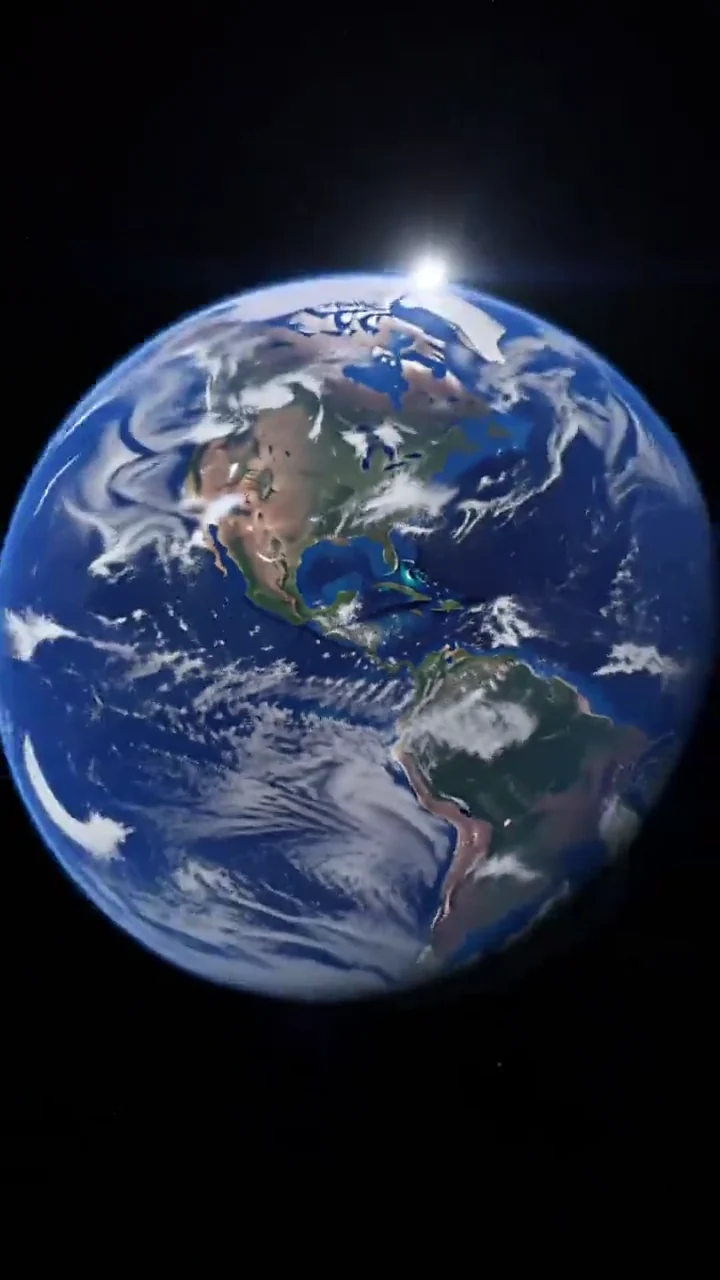
Earth zoom out
Start close to the camera, then watch the view pull up through rooftops, streets and clouds until the whole Earth appears in space.
 AI generated sample Watch the effect
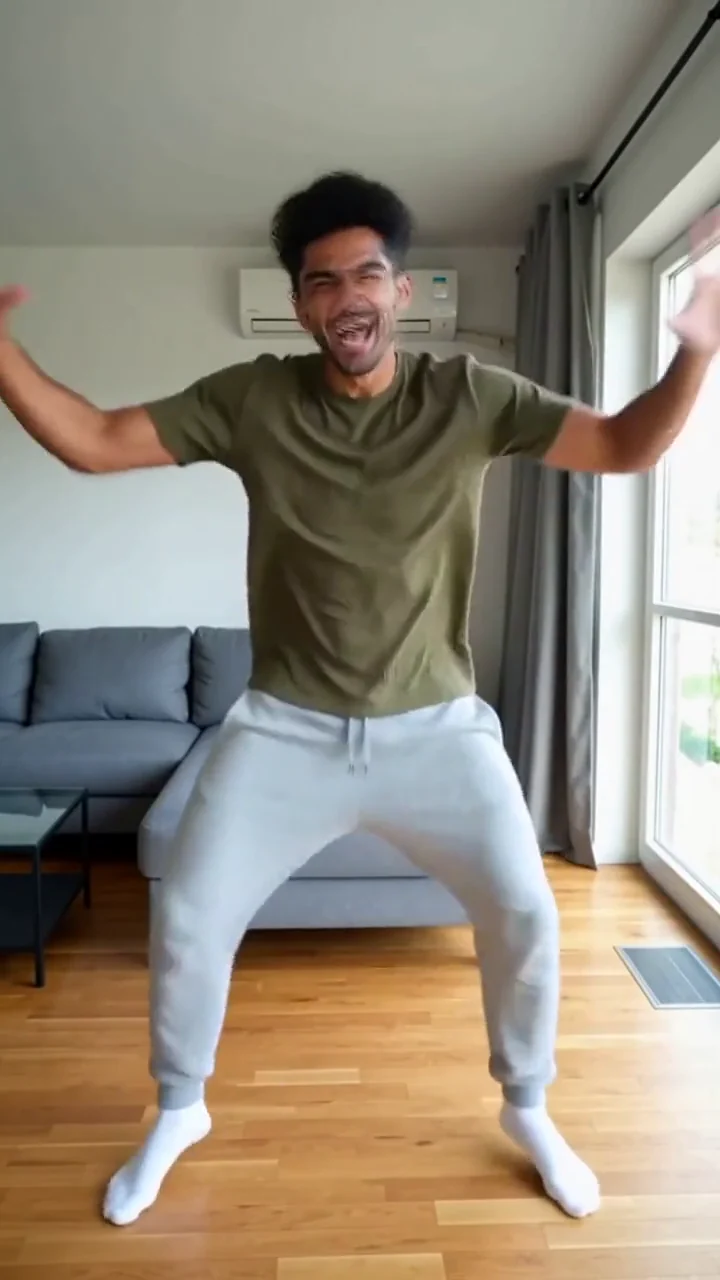
Make your photo dance
The camera pulls back from your portrait to an AI imagined full body, ready for bouncy steps and wide arm swings in a bright living room.
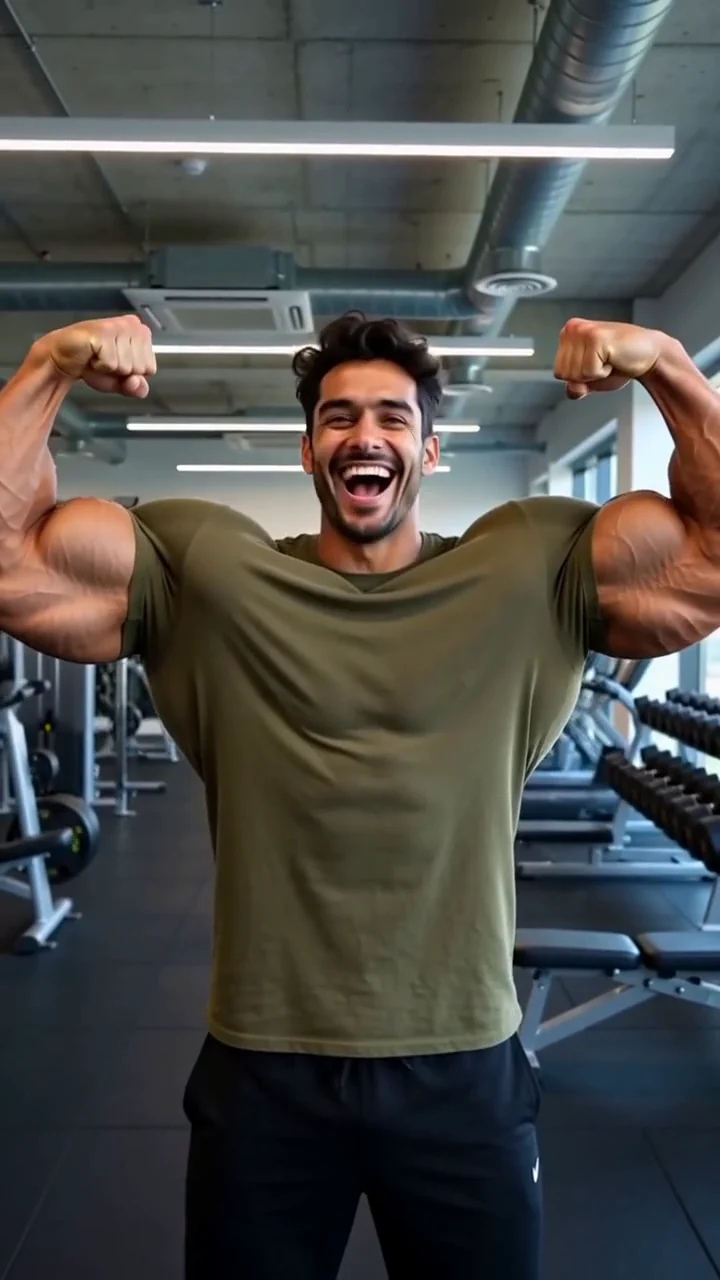 AI generated sample Watch the effect
Muscle transformation
Flex into an over the top gym transformation, then show off both biceps with a laugh.
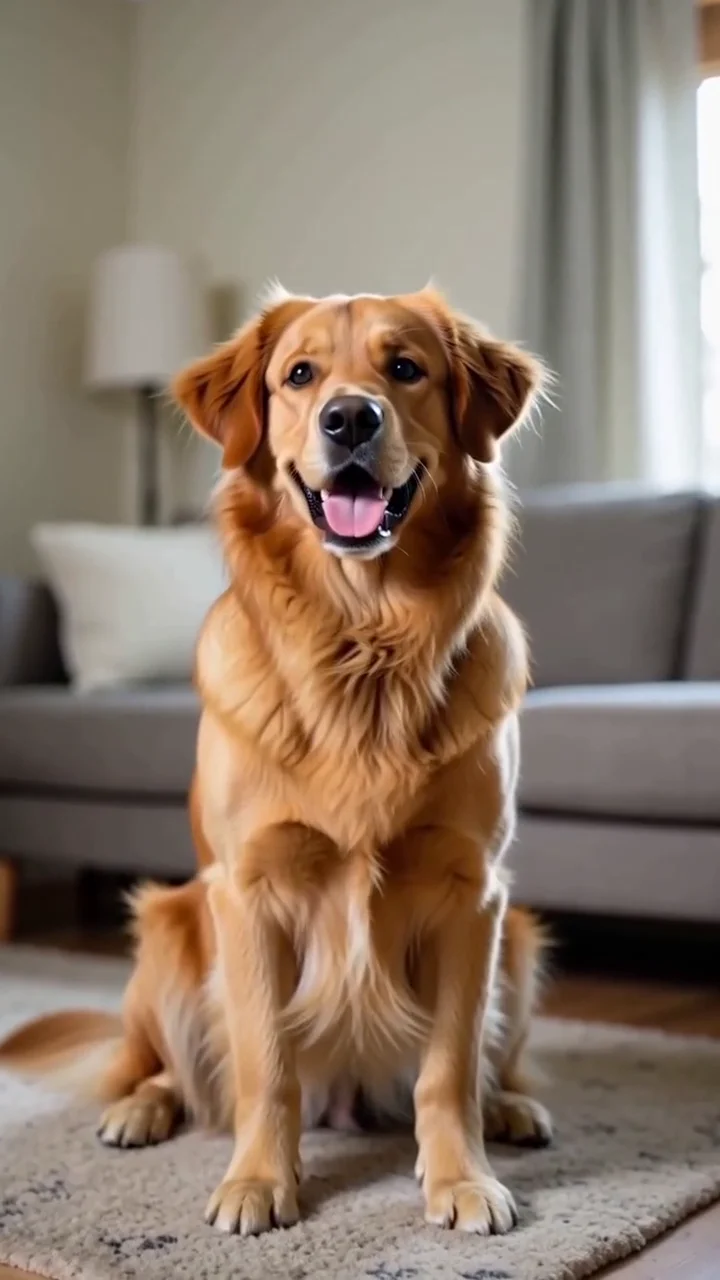 AI generated sample Watch the effect
Pet comes alive
Bring a pet portrait to life with a curious head tilt and a playful expression.