
Halloween · AI video effect
Reveal Your AI Zombie Costume Makeup
Reveal a zombie costume look on a foggy street. The sample has grey makeup, dark eye circles and exaggerated teeth with skull mouth makeup.
Try this effect10 credits · first video free · no account needed
- Input
- One clear photo of one adult
- Output
- Vertical 9:16 MP4, 720p, about 6.5 seconds
- Sound
- Original instrumental music, no speech
- Ready in
- Usually under a minute
- Price
- 10 credits; your first video is free
- Privacy
- Private unless you choose to share it
About this effect
What happens
in your video.
The video opens on an unchanged face before theatrical zombie makeup spreads across it. Ashen grey tones, dark eye circles and tousled hair create the costume look while the outfit becomes a dusty button up shirt.
A foggy street and flickering streetlamp replace the ordinary room. The person slowly tilts their head and grins, accompanied by original spooky instrumental music. The sample includes exaggerated teeth and skull mouth makeup, going beyond the preset request for intact skin and a normal smile. Watch the sample to judge this more intense appearance.
Use a clear photo of one consenting adult, preferably without heavy makeup for a distinct reveal. The example features an AI generated fictional adult man. Each generation costs 10 credits and requests six seconds in a vertical 720p MP4. Makeup density, facial details and movement can vary.
Works best
- One adult, face clearly visible
- Soft, even light on the face
- Selfie or framing from the waist up
Avoid
- Sunglasses, masks or hands over the face
- Group photos or tiny faces
- Photos of children
Your turn
Make the scene yours.
A clear selfie or a photo from the waist up of one consenting adult works best.
Your creation stays off the public wall unless you choose to share it.
AI generated sample. Your result will appear here after generation.
Good to know
A little clarity
before you create.
How do I turn my photo into an AI zombie video?
Upload a clear selfie or a photo from the waist up of one consenting adult. The preset adds theatrical grey makeup and dark eye circles, then a playful zombie expression in a foggy street scene.
How intense is the zombie makeup in the sample?
The sample has exaggerated teeth and skull mouth makeup as well as grey tones and dark eye circles. This goes beyond the preset request for intact skin, no wounds or blood and a normal smile. The AI can depart from the requested appearance; watch the sample and inspect your own result before sharing.
Do I need zombie makeup in the original photo?
No. Start with a clear face and good lighting. An unpainted portrait gives the before and after reveal a stronger contrast.
Will I still be recognizable under the makeup?
The photo guides the face, but exact likeness is not guaranteed. Grey makeup and dark eye circles can obscure familiar details, and AI can change facial features.
How much does this effect cost?
Each video generation uses 10 credits. New visitors receive 10 shared welcome credits across inreel, enough for one video without signing in.
What video and audio will I receive?
The output is a vertical 9:16 MP4 at 720p with original spooky instrumental music and no speech. The preset requests six seconds; final duration and the makeup reveal can vary.
Keep exploring
More from Halloween.
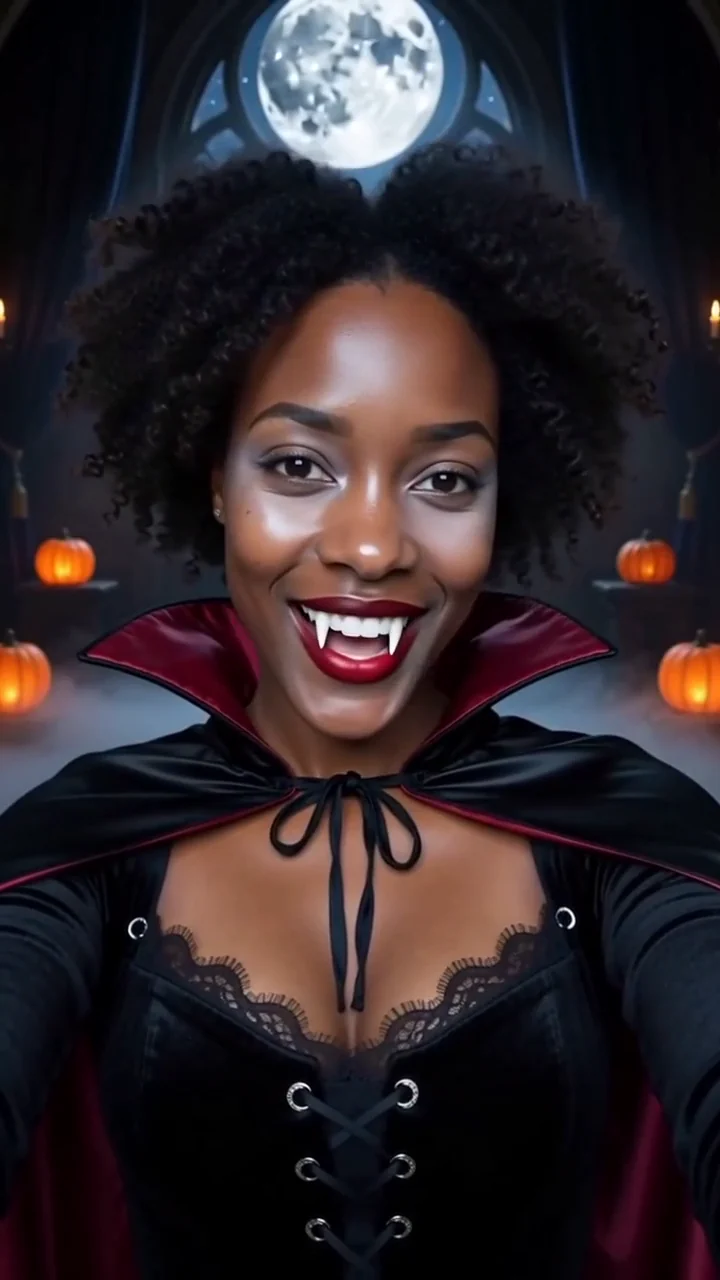 AI generated sample Watch the effect
Vampire transformation
Watch your everyday look become a velvet vampire costume in a chest up shot, with dark mist and a candlelit gothic hall.
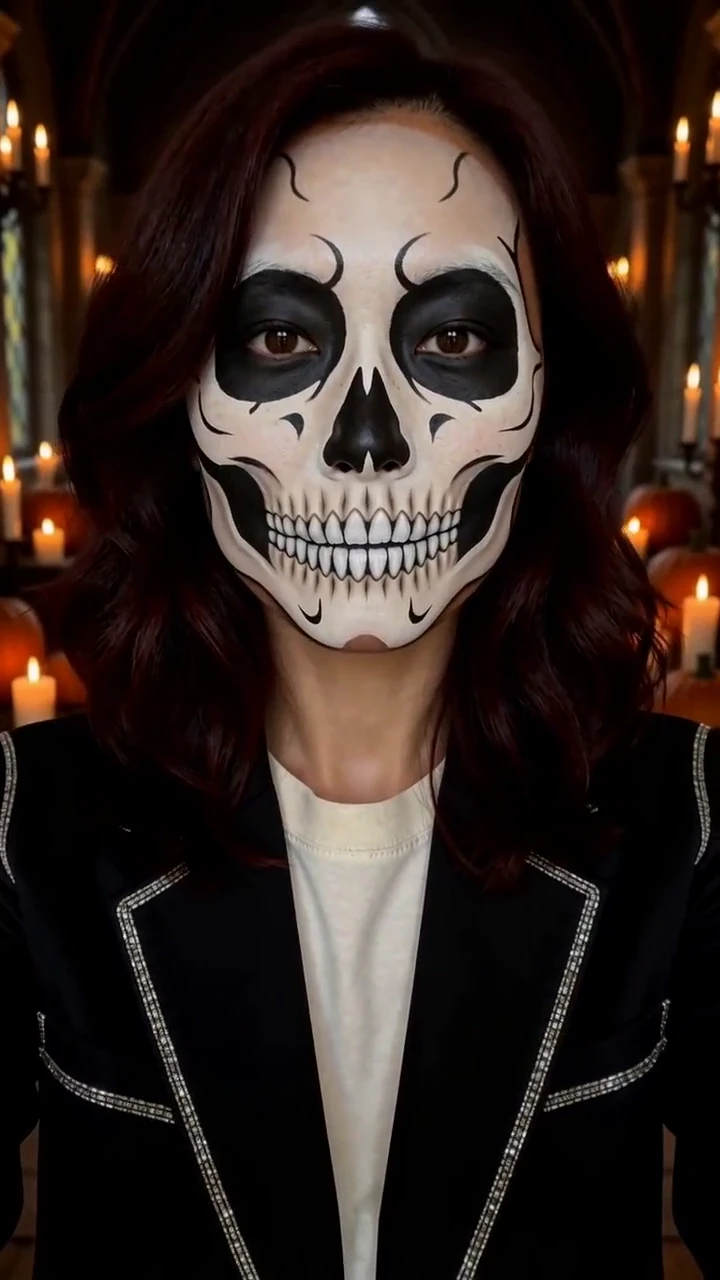 AI generated sample Watch the effect
Skull makeup portrait
Start with your everyday look, then reveal ivory and charcoal skull makeup in a chest up portrait inside a candlelit gothic hall.
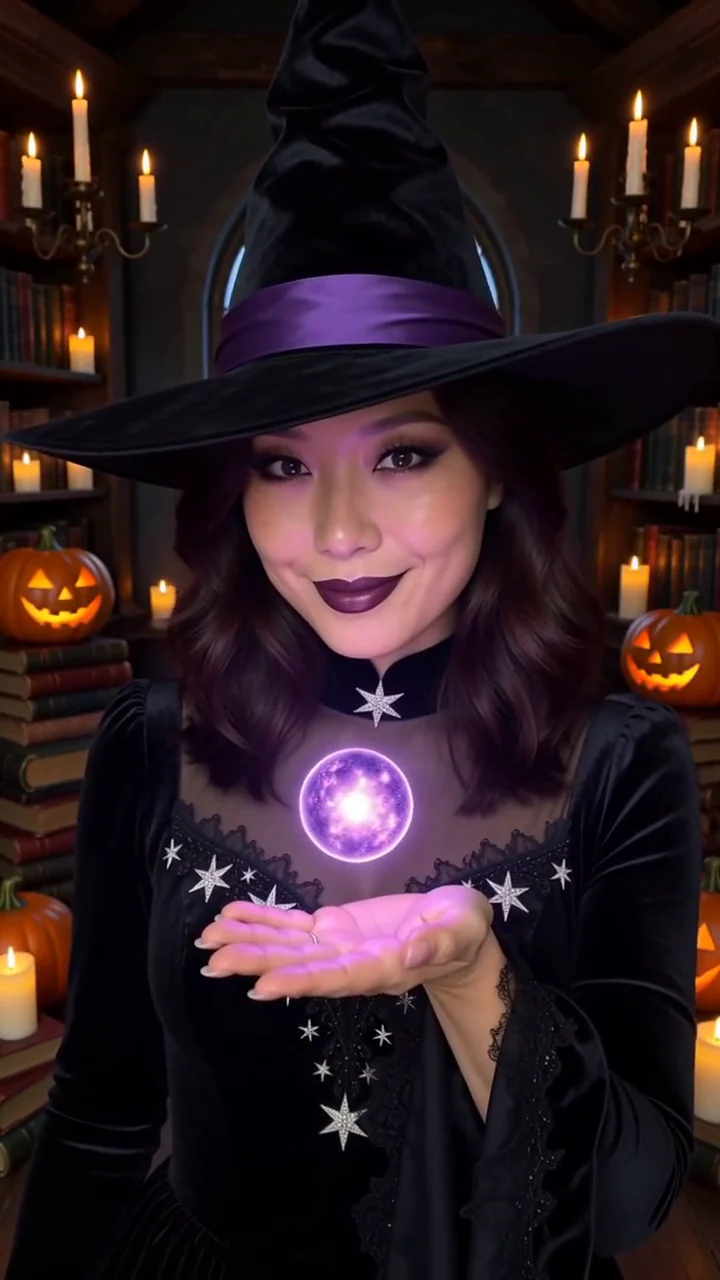 AI generated sample Watch the effect
Witch transformation
Violet sparks reveal a black velvet outfit and pointed hat, then a small glowing orb rises above your hand in a candlelit library.
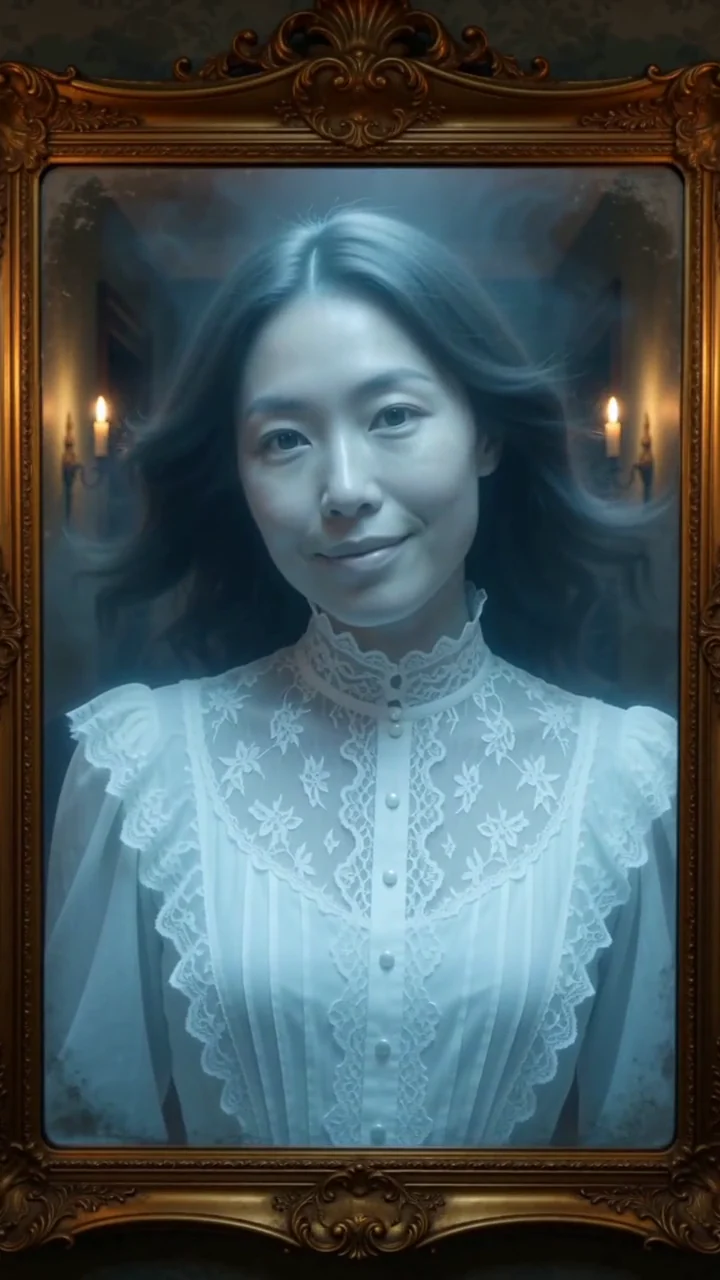 AI generated sample Watch the effect
Ghost in the mirror
An antique gold mirror frames your portrait, then your reflection becomes a softly glowing pale blue ghost with drifting hair and cold mist.
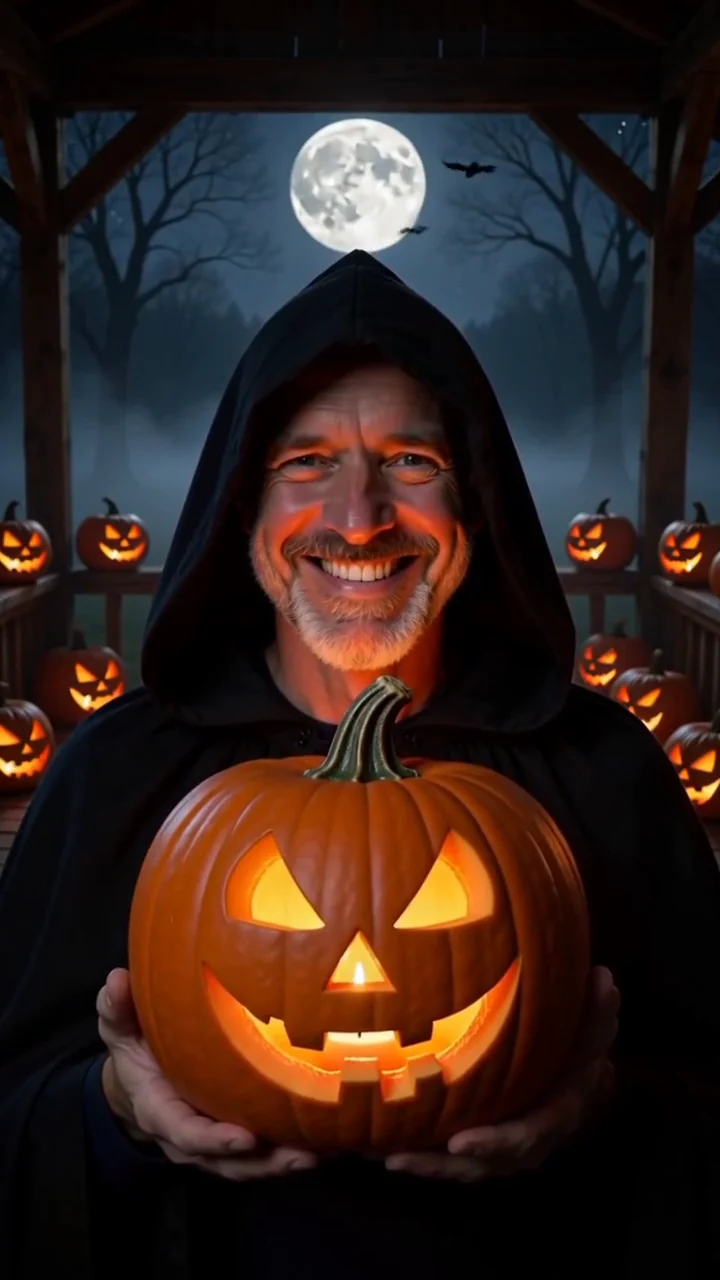 AI generated sample Watch the effect
Jack o lantern night
Hold a glowing jack o lantern on a foggy porch under a full moon.