
Halloween · AI video effect
AI skull makeup. Ready for your close up.
Start with your everyday look, then reveal ivory and charcoal skull makeup in a chest up portrait inside a candlelit gothic hall.
Try this effect10 credits · first video free · no account needed
- Input
- One clear photo of one adult
- Output
- Vertical 9:16 MP4, 720p, about 6.5 seconds
- Sound
- Original instrumental music, no speech
- Ready in
- Usually under a minute
- Price
- 10 credits; your first video is free
- Privacy
- Private unless you choose to share it
About this effect
What happens
in your video.
Watch an unpainted face become a skull makeup portrait. Matte ivory and charcoal patterns spread across the face as a black jacket and candlelit gothic hall appear. The chest up framing stays close to the reference; the effect requests painted skin, not exposed bones or gore.
A clear selfie or a photo from the waist up of one consenting adult works best. Keep the face unobstructed and well lit; avoid motion blur, sunglasses and hands covering the face. Start without makeup for a clearer before and after contrast.
Our sample uses an entirely AI generated adult woman and shows her unpainted face before the makeup appears. Its MP4 is 720 × 1280 pixels and about 6.59 seconds long. The sample has dense painted tooth lines that cover the lips. The current preset asks for lighter lines and visible lips; that adjustment has not yet been tested in a new sample. Heavy makeup can obscure familiar features, and exact likeness is not guaranteed.
Looking for Day of the Dead makeup ideas? This preset creates a gothic skull portrait. It is not a dedicated traditional Día de Muertos design, and it does not promise the flowers, colors or cultural details associated with a specific celebration. Check whether the shown style matches your intended use.
Works best
- One adult, face clearly visible
- Soft, even light on the face
- Selfie or framing from the waist up
Avoid
- Sunglasses, masks or hands over the face
- Group photos or tiny faces
- Photos of children
Your turn
Make the scene yours.
A clear selfie or a photo from the waist up of one consenting adult works best.
Your creation stays off the public wall unless you choose to share it.
AI generated sample. Your result will appear here after generation.
Good to know
A little clarity
before you create.
How can I make an AI skull makeup video from my photo?
Upload a clear selfie or a photo from the waist up of one consenting adult. The AI creates a chest up reveal from an unpainted face to skull makeup, with a black jacket and candlelit gothic hall.
Do I need skull makeup on before I upload my photo?
No. Start with an unpainted face for a clearer transformation. A well lit selfie or a photo from the waist up with visible facial features works best.
Is this a Day of the Dead makeup generator?
It creates a gothic skull makeup video. The preset is not a dedicated traditional Día de Muertos look; use the actual sample to decide whether its ivory and charcoal style fits your idea.
Can I try the skull makeup effect for free?
Yes. New visitors receive 10 welcome credits, enough for one 10 credit video. No account is needed. Buy credit packs you pay for once for $9.99, $19.99 or $49.99 with PayPal. Sign in with Google or verify your email before buying. Credits are added to your account after payment is confirmed.
What size and length is the skull makeup video?
The output is a vertical 9:16 MP4 at 720p. The supplied sample is about 6.59 seconds long, and generated duration can vary slightly from the six second request.
Will people recognize my face under the skull makeup?
They may, but exact likeness is not guaranteed. Face paint can obscure familiar features, and AI may change them. A paid result that does not look like you is eligible for a refund request within seven days under the refund policy.
Can I change the makeup after generating or make several videos at once?
There is no makeup editor inside the app or batch mode. Download a result to edit the clip externally, or create another video; each new generation uses 10 credits.
Does this effect create gore or use real human bones?
The preset requests painted skin and no gore. The on page example uses an AI generated adult, not a real person. AI output can still contain mistakes, so review it before sharing.
Keep exploring
More from Halloween.
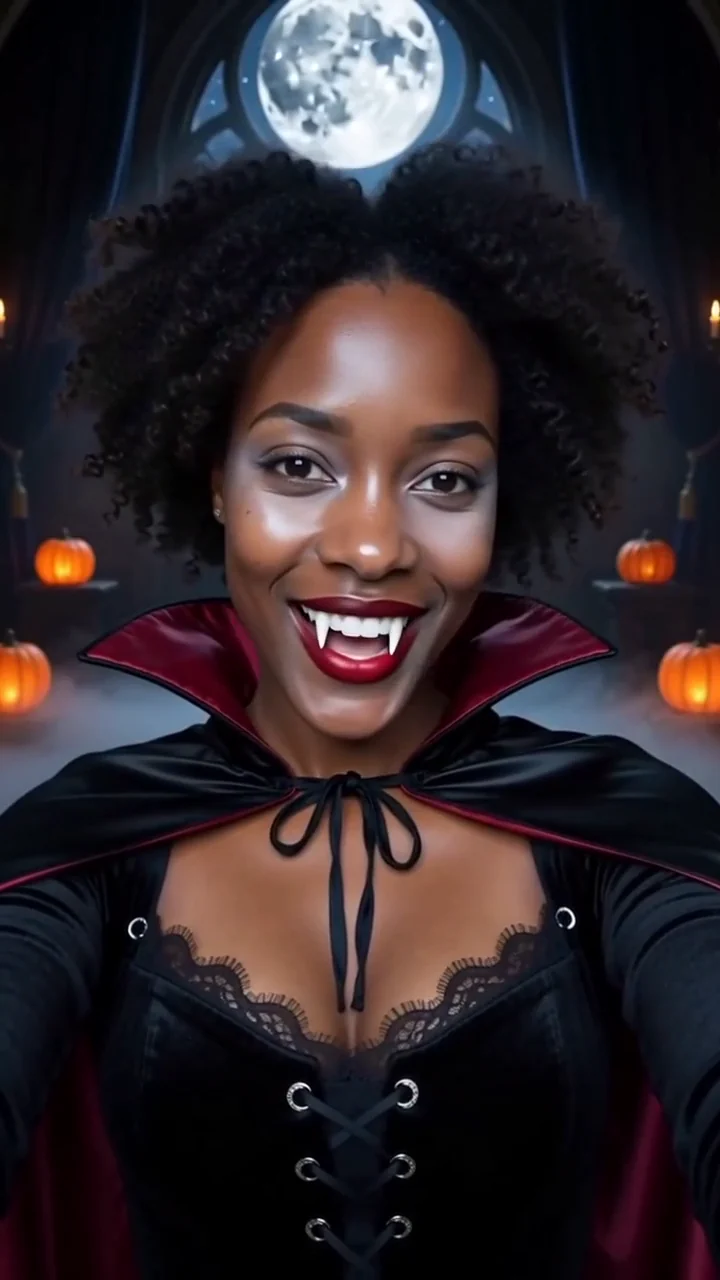 AI generated sample Watch the effect
Vampire transformation
Watch your everyday look become a velvet vampire costume in a chest up shot, with dark mist and a candlelit gothic hall.
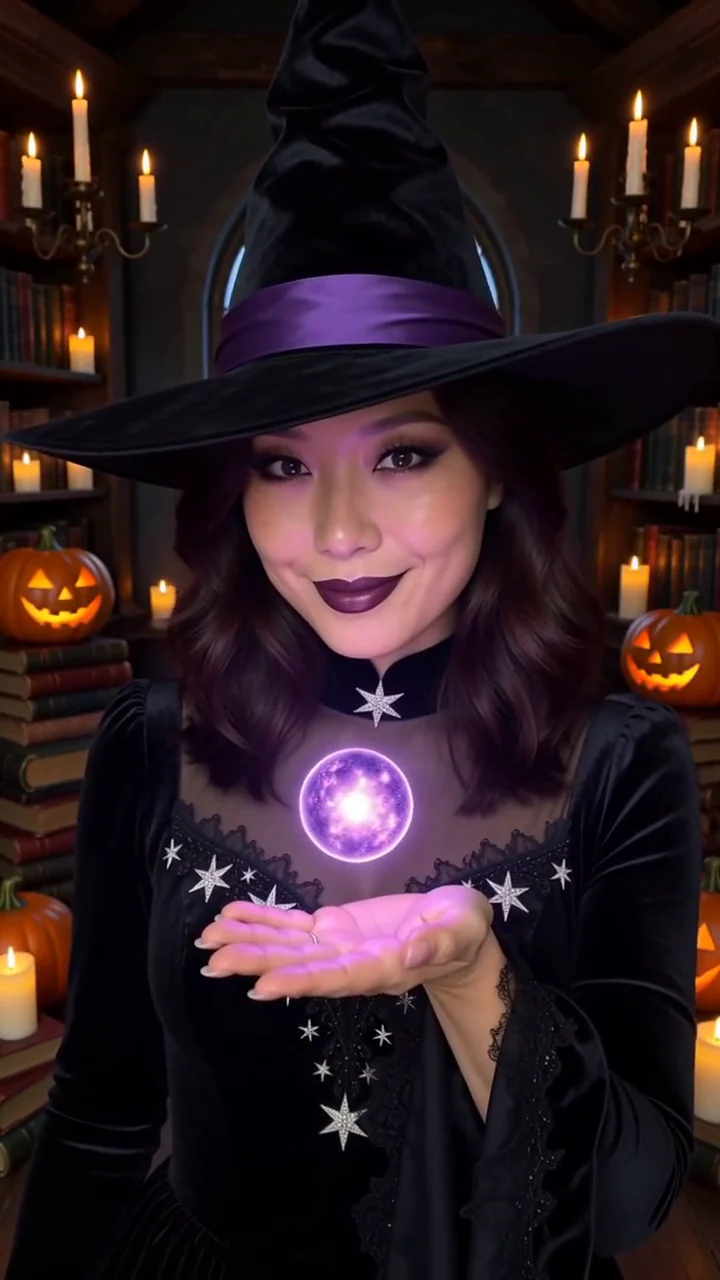 AI generated sample Watch the effect
Witch transformation
Violet sparks reveal a black velvet outfit and pointed hat, then a small glowing orb rises above your hand in a candlelit library.
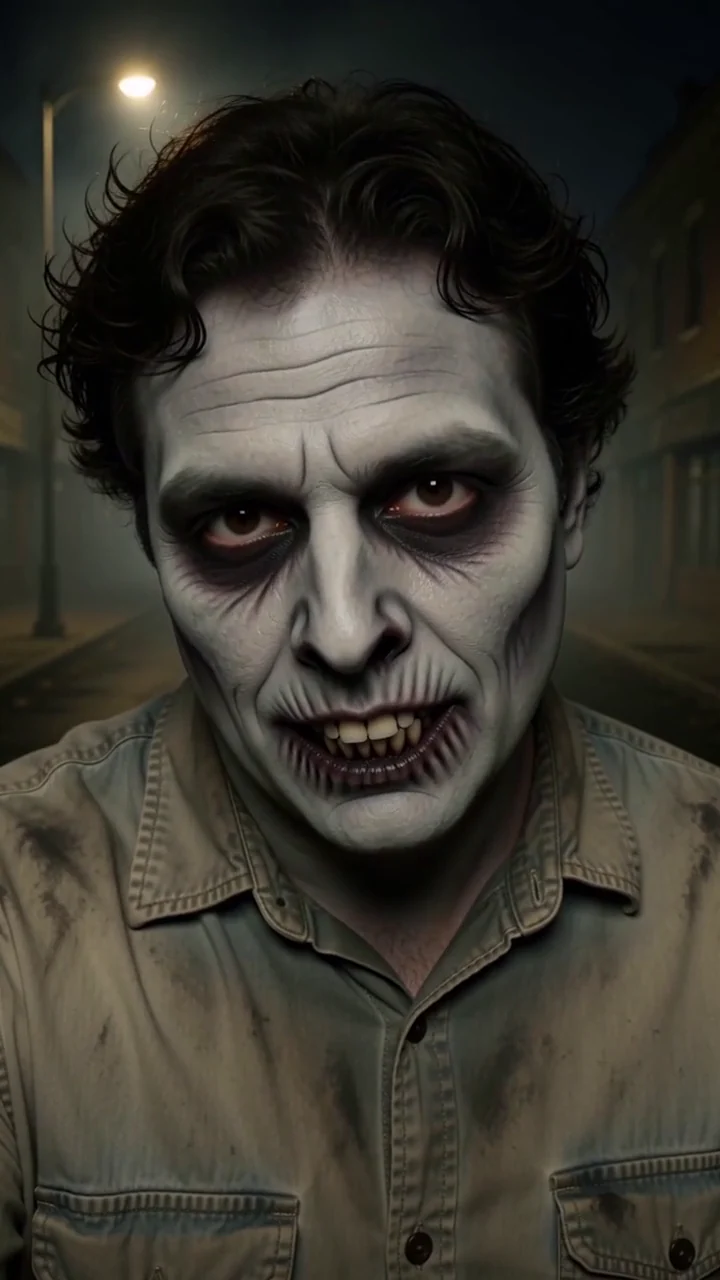 AI generated sample Watch the effect
Zombie makeup
Reveal a zombie costume look on a foggy street. The sample has grey makeup, dark eye circles and exaggerated teeth with skull mouth makeup.
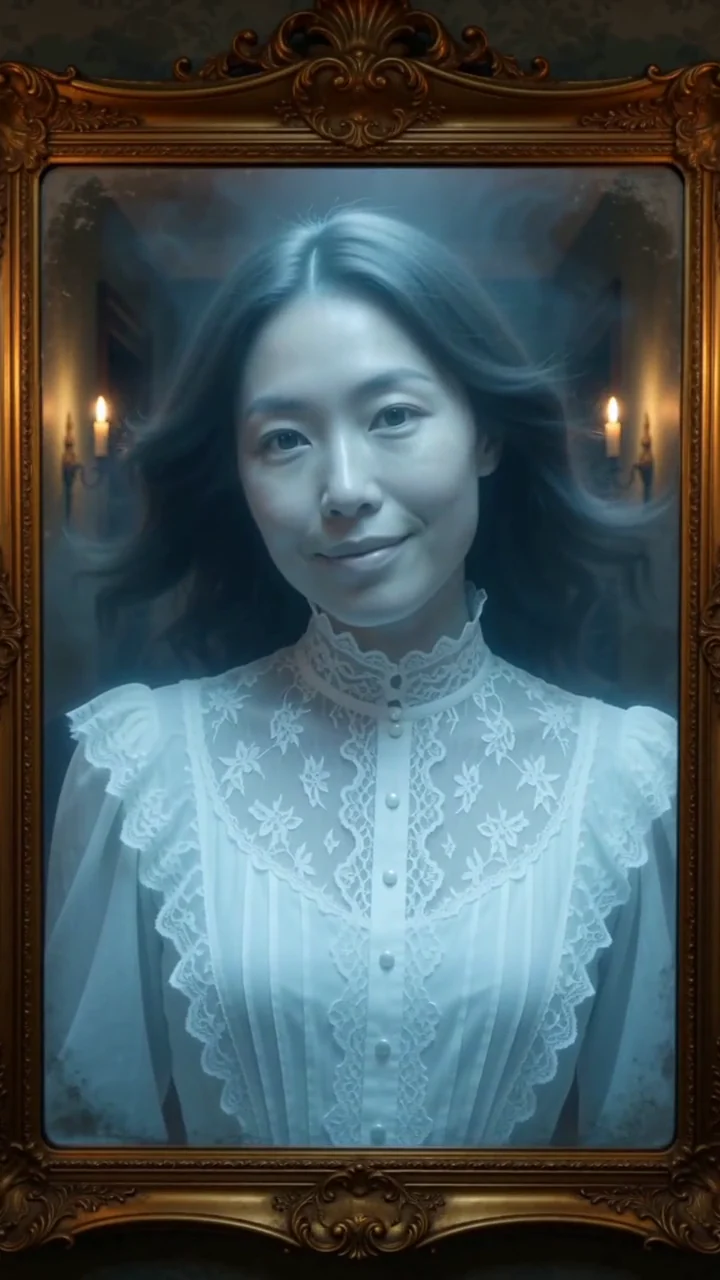 AI generated sample Watch the effect
Ghost in the mirror
An antique gold mirror frames your portrait, then your reflection becomes a softly glowing pale blue ghost with drifting hair and cold mist.
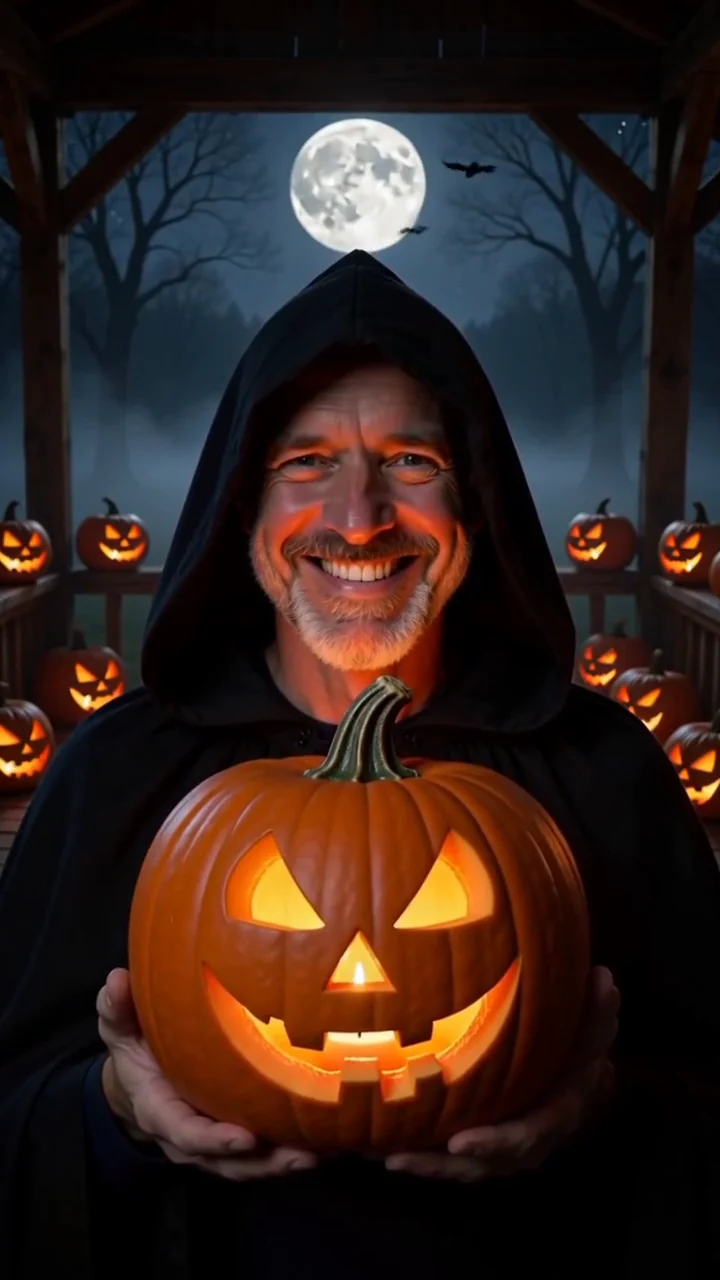 AI generated sample Watch the effect
Jack o lantern night
Hold a glowing jack o lantern on a foggy porch under a full moon.