
Easter · AI video effect
Spring AI Video Beneath Cherry Blossoms
Look up into falling cherry petals, then smile back at the camera.
Try this effect10 credits · first video free · no account needed
- Input
- One clear photo of one adult
- Output
- Vertical 9:16 MP4, 720p, about 6.5 seconds
- Sound
- Original instrumental music, no speech
- Ready in
- Usually under a minute
- Price
- 10 credits; your first video is free
- Privacy
- Private unless you choose to share it
About this effect
What happens
in your video.
Pink petals drift into the portrait as a sunny path beneath blooming cherry trees replaces the original background. The person appears in a soft white spring top.
A gentle breeze carries petals around the person. They look up toward the blossoms and return their gaze to the camera with a calm smile.
A soft, natural expression suits this calm scene better than a big grin. The sample features an AI generated fictional adult woman.
Works best
- One adult, face clearly visible
- Soft, even light on the face
- Selfie or framing from the waist up
Avoid
- Sunglasses, masks or hands over the face
- Group photos or tiny faces
- Photos of children
Your turn
Make the scene yours.
A clear selfie or a photo from the waist up of one consenting adult works best.
Your creation stays off the public wall unless you choose to share it.
AI generated sample. Your result will appear here after generation.
Good to know
A little clarity
before you create.
Can I make a spring AI video outside the Easter season?
Yes. This cherry blossom preset is available throughout the year. It creates the spring setting from your portrait, so the source photo does not need to show blossoms.
Is this a real cherry blossom park?
No. The path under blooming trees is AI imagined, not a specific place.
What do I wear under the cherry blossoms?
A soft white spring blouse or shirt.
How long do the petals fall?
Petals drift through almost the whole clip, lifted by a gentle breeze near the end.
Keep exploring
More from Easter.
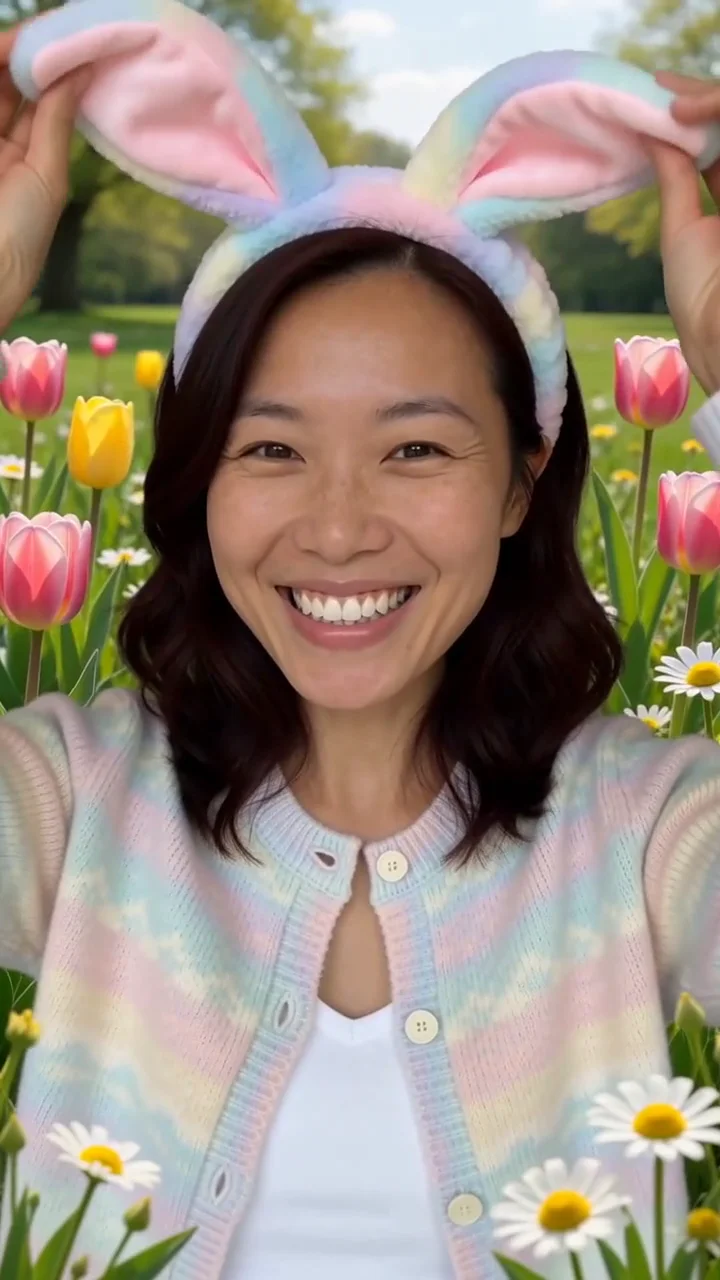 AI generated sample Watch the effect
Spring bunny ears
A pastel bunny ear headband and fluttering butterflies bring a playful spring mood.
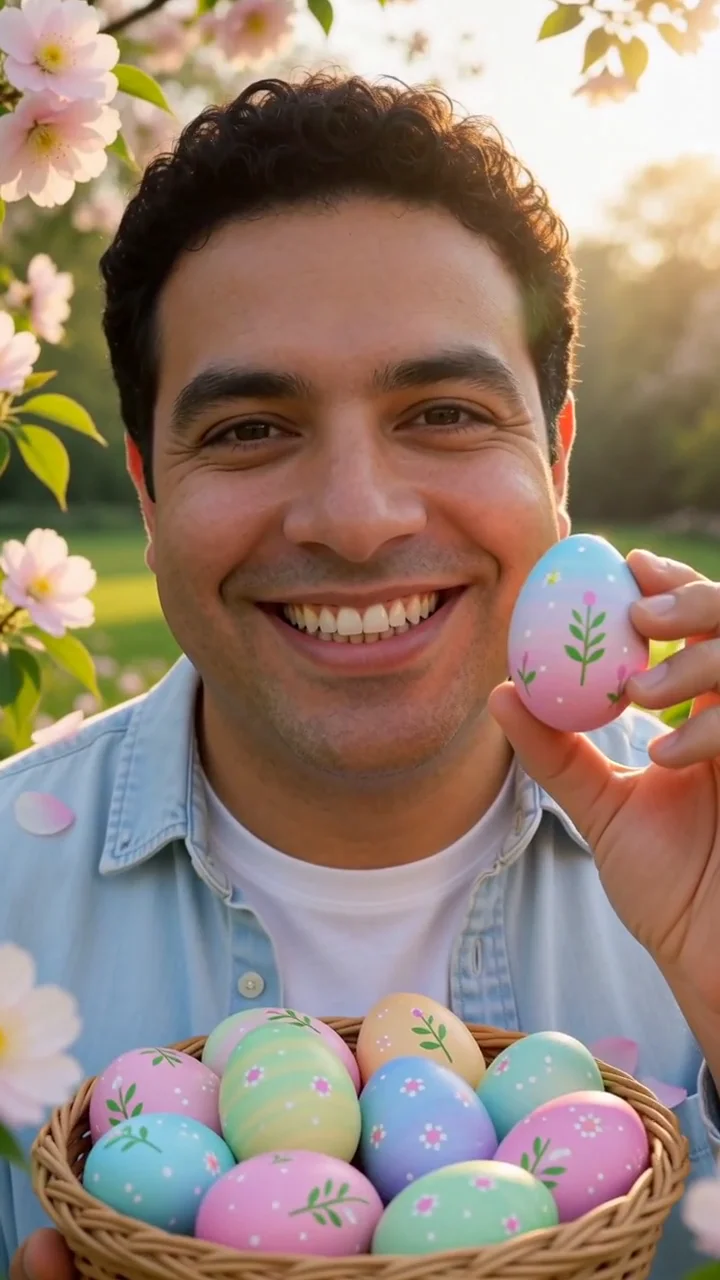 AI generated sample Watch the effect
Easter egg basket
Lift a painted egg from a spring basket while petals drift through the garden.
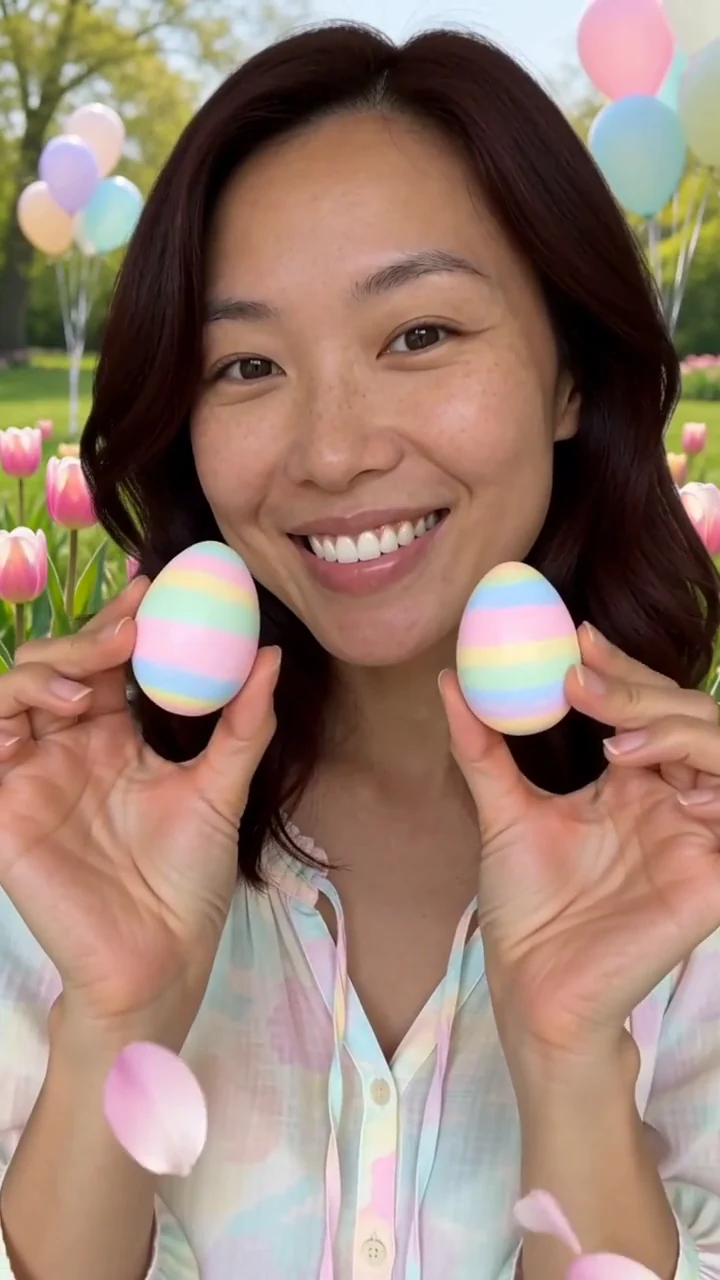 AI generated sample Watch the effect
Happy Easter greeting
Say "Happy Easter!" in a sunny spring garden and hold up pastel painted eggs.
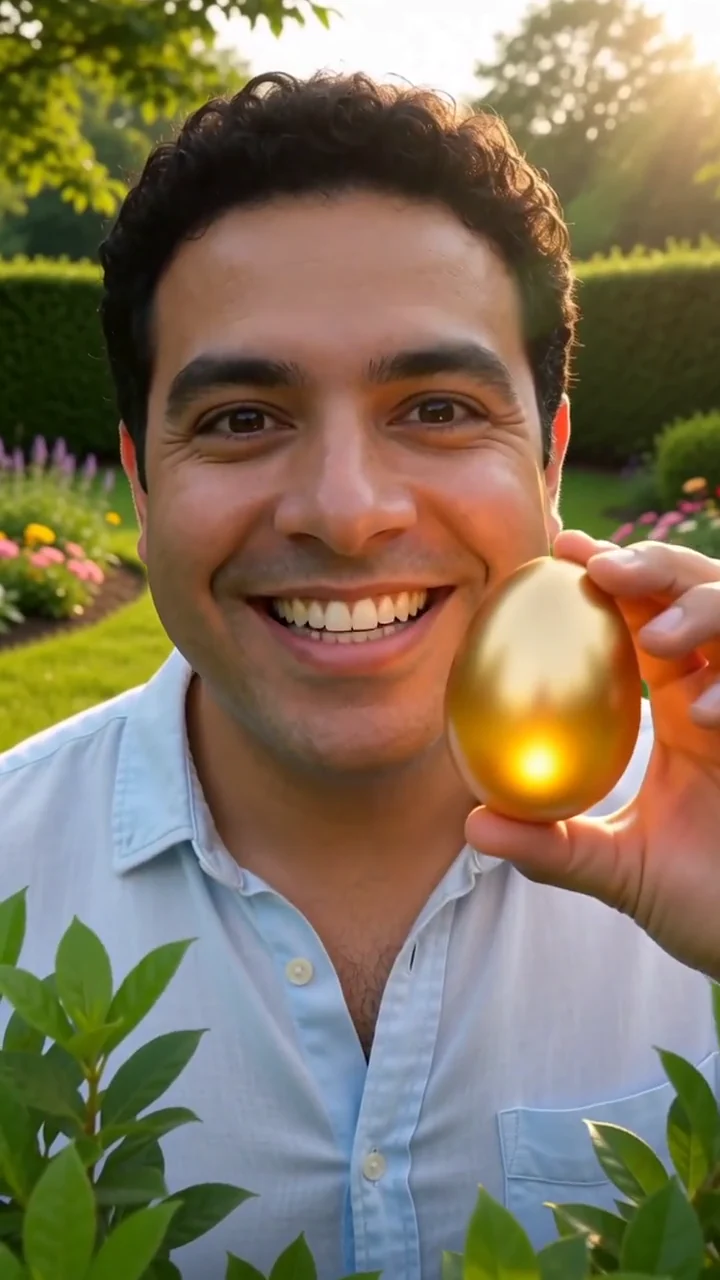 AI generated sample Watch the effect
Golden egg hunt
Part the leaves in a spring garden and find a glowing golden egg.
 AI generated sample Watch the effect
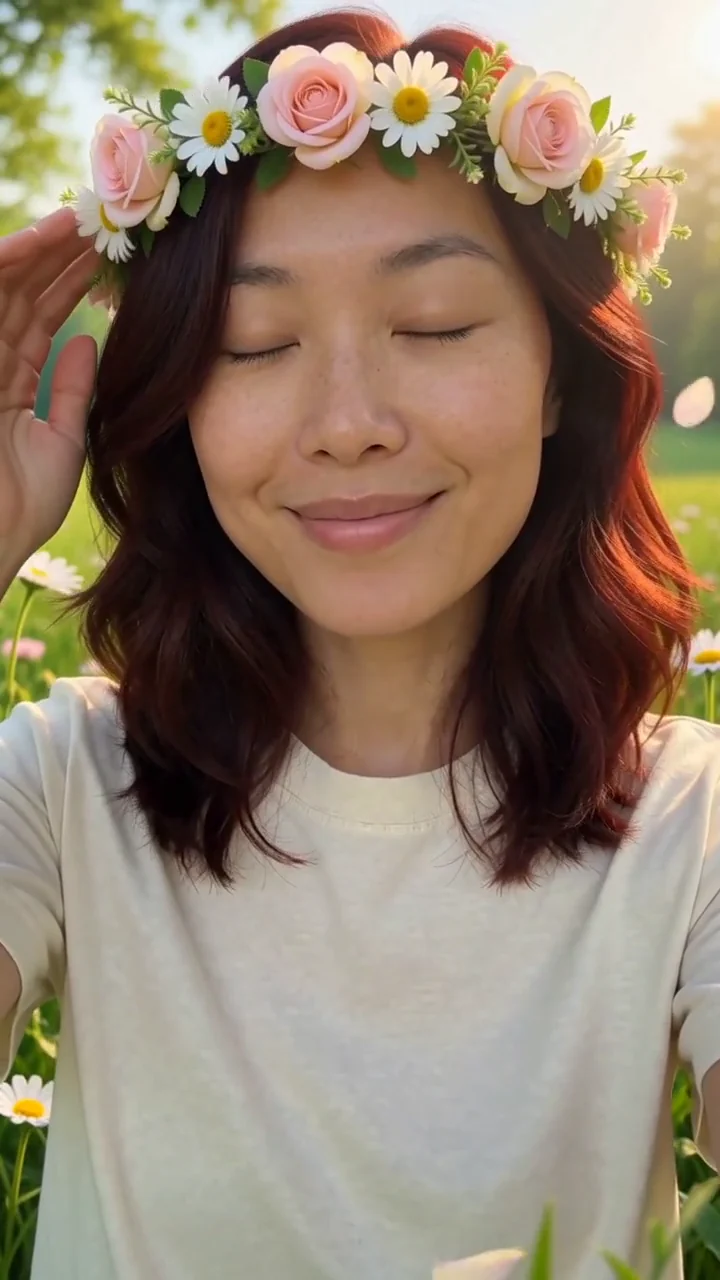
Flower crown
Pastel roses and daisies bloom one by one into a crown in your hair.