
Christmas · AI video effect
Create a Personal AI Christmas Greeting Video
Wave, say "Merry Christmas!" and watch the camera pull back to reveal you inside a snow globe on a festive mantel.
Try this effect10 credits · first video free · no account needed
- Input
- One clear photo of one adult
- Output
- Vertical 9:16 MP4, 720p, about 6.5 seconds
- Sound
- Original music and a spoken "Merry Christmas!"
- Ready in
- Usually under a minute
- Price
- 10 credits; your first video is free
- Privacy
- Private unless you choose to share it
About this effect
What happens
in your video.
Start with a clear photo of one consenting adult. Snow begins to fall, the outfit becomes a cream and red knitted sweater with a red scarf, and the person waves. Then the camera pulls back to reveal them inside a glass snow globe with a tiny snowy village, sitting on a garland lit fireplace mantel.
The spoken greeting is fixed: "Merry Christmas!" It is said once, with quiet original instrumental holiday music underneath. This preset does not let you write a different speech or choose a recorded voice. AI speech, lip movement and facial details can vary.
Use a well lit selfie or a photo from the waist up with the face unobstructed. Our example features an entirely AI generated adult woman; it is a generated sample, not a customer result or a promise of exact likeness.
Each generation uses 10 credits and requests a six second, vertical 9:16 video at 720p. Download the MP4 for a Christmas message to friends and family, or edit it in your own app before sharing. The final duration can vary slightly.
Works best
- One adult, face clearly visible
- Soft, even light on the face
- Selfie or framing from the waist up
Avoid
- Sunglasses, masks or hands over the face
- Group photos or tiny faces
- Photos of children
Your turn
Make the scene yours.
A clear selfie or a photo from the waist up of one consenting adult works best.
Your creation stays off the public wall unless you choose to share it.
AI generated sample. Your result will appear here after generation.
Good to know
A little clarity
before you create.
How do I make an AI Christmas greeting video from my photo?
Upload a clear selfie or a photo from the waist up of one consenting adult, then generate this effect. You wave in falling snow, say "Merry Christmas!" and are revealed inside a snow globe on a festive mantel.
Can I choose the words spoken in my Christmas greeting?
No. The preset says exactly "Merry Christmas!" once. It does not support custom speech, names or voice selection. The AI generated voice and lip movement may vary between results.
Can I try one Christmas greeting video for free?
New visitors receive 10 welcome credits, enough for one video at 10 credits. No account is needed. Welcome credits are shared across the site, so using them on another effect does not give you a second free video here.
What photo should I use for my greeting?
Use a clear, well lit selfie or a photo from the waist up of one consenting adult. Keep the face visible without sunglasses, blur or a hand covering it. You do not need a Christmas outfit in the original photo.
Will the Christmas greeting look and sound exactly like me?
Exact likeness and voice matching are not guaranteed. The photo guides the appearance, but facial details, movement, speech and lip synchronization can vary. Watch the result before you share it.
Can I send the Christmas video to friends and family?
Download the vertical 9:16 MP4 at 720p and share it through a service that supports video. The preset requests six seconds, with some variation in the final duration. Add any extra captions in your own editor.
Keep exploring
More from Christmas.
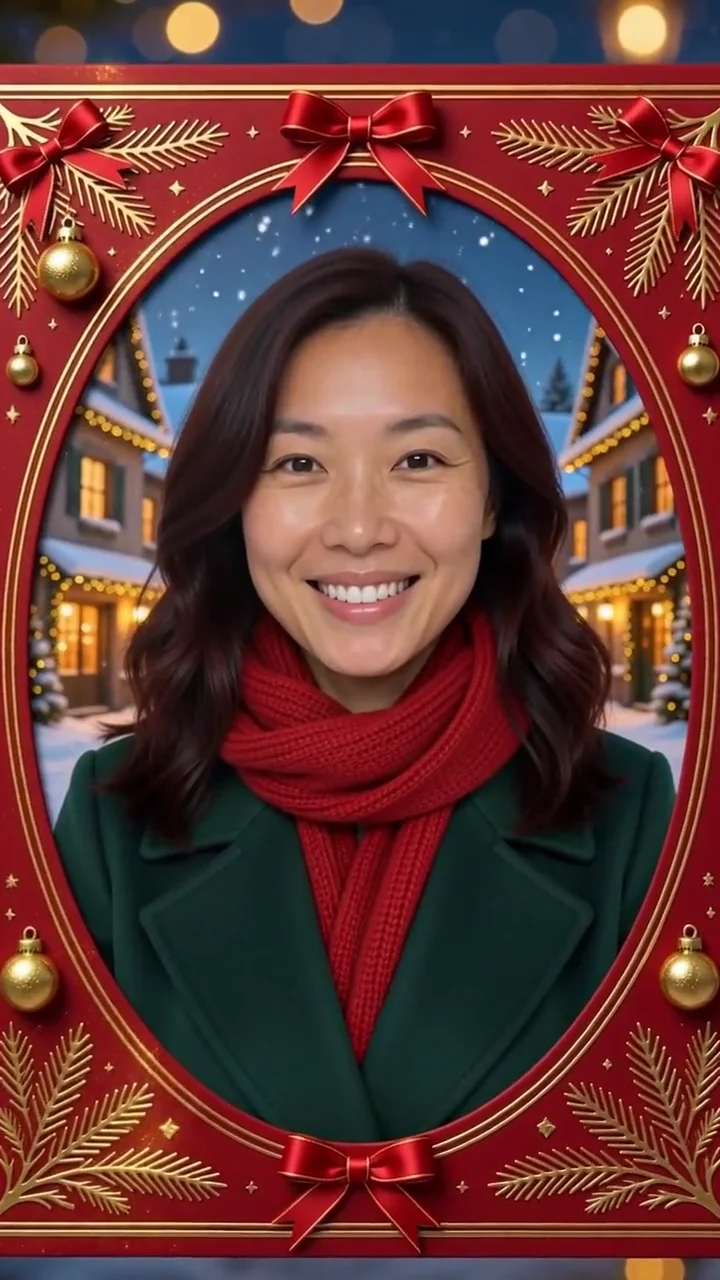 AI generated sample Watch the effect
Living Christmas card
Step inside a red and gold living Christmas card, with a snowy village, warm lights and a gentle smile.
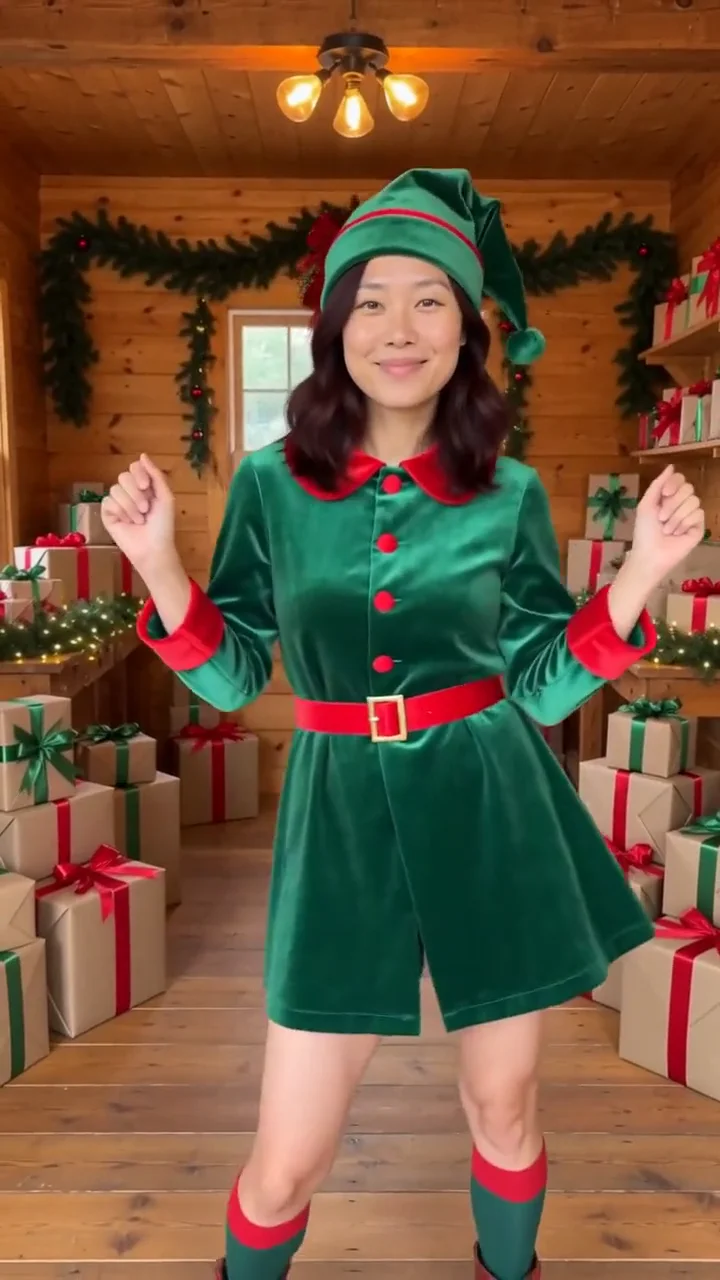 AI generated sample Watch the effect
Elf dance
See yourself in a green holiday outfit, doing a cheerful dance framed around the knees in a warm wooden gift workshop.
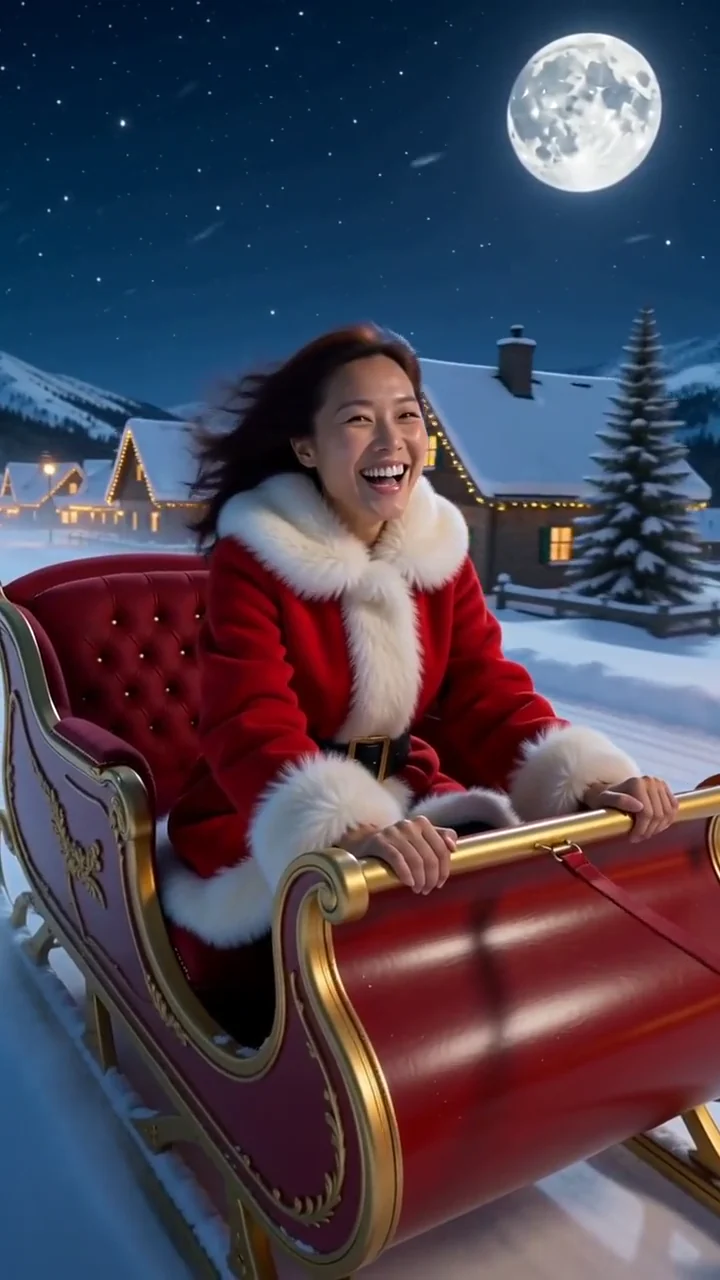 AI generated sample Watch the effect
Sleigh ride
Golden sparkles reveal a red and gold sleigh, then carry you through the moonlit sky above a village glowing with warm windows.
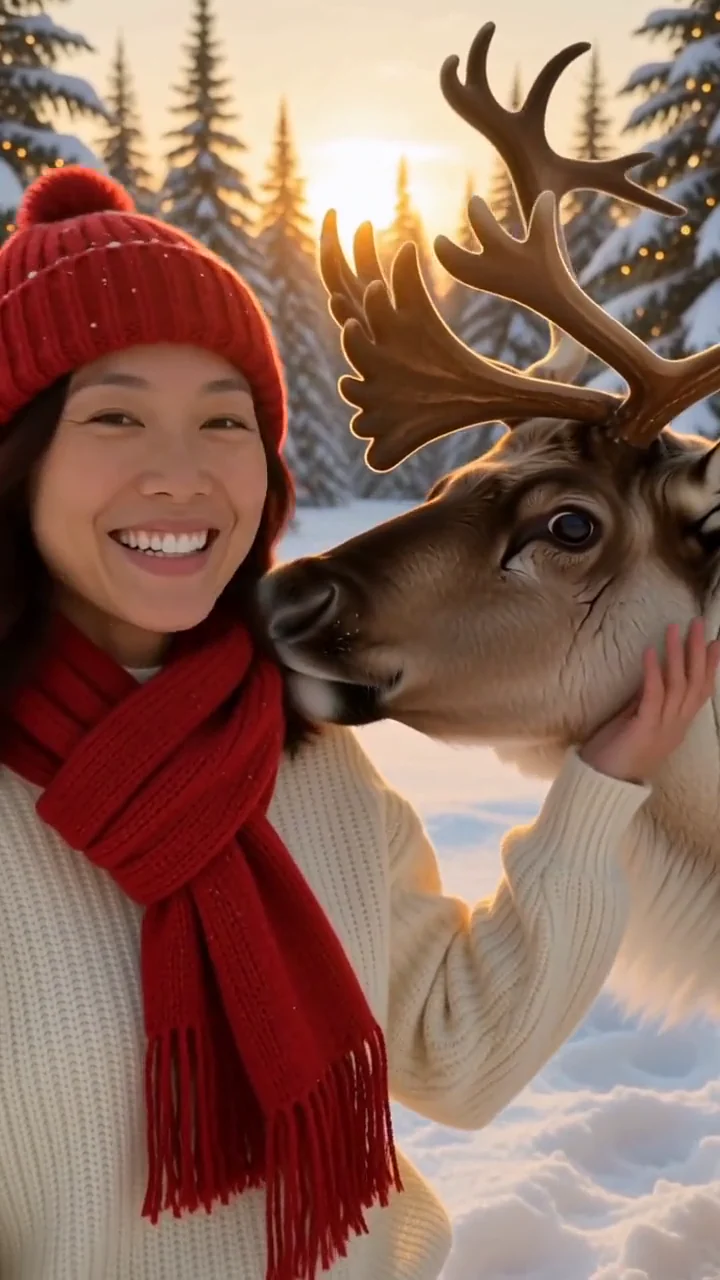 AI generated sample Watch the effect
Reindeer friend
Step into a snowy pine forest, where a friendly reindeer nuzzles your shoulder while warm lights glow between the trees.
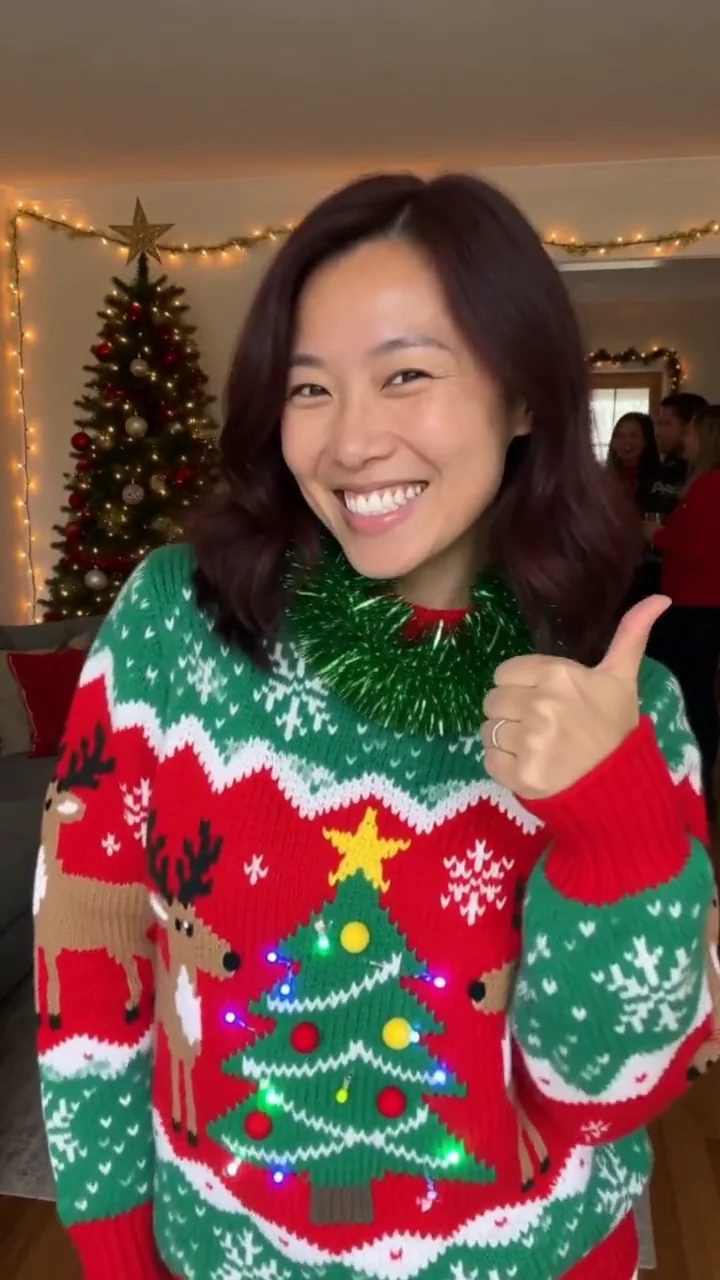 AI generated sample Watch the effect
Ugly sweater party
A burst of tinsel and confetti reveals a bold holiday sweater, ready for a laugh, a shoulder shimmy and a thumbs up.